
As an independent musician, visuals play a huge role in how your music is received online. Whether you’re promoting a single, sharing lyrics, or building your brand, good design helps you stand out — and you don’t need to be a graphic designer to make it happen.
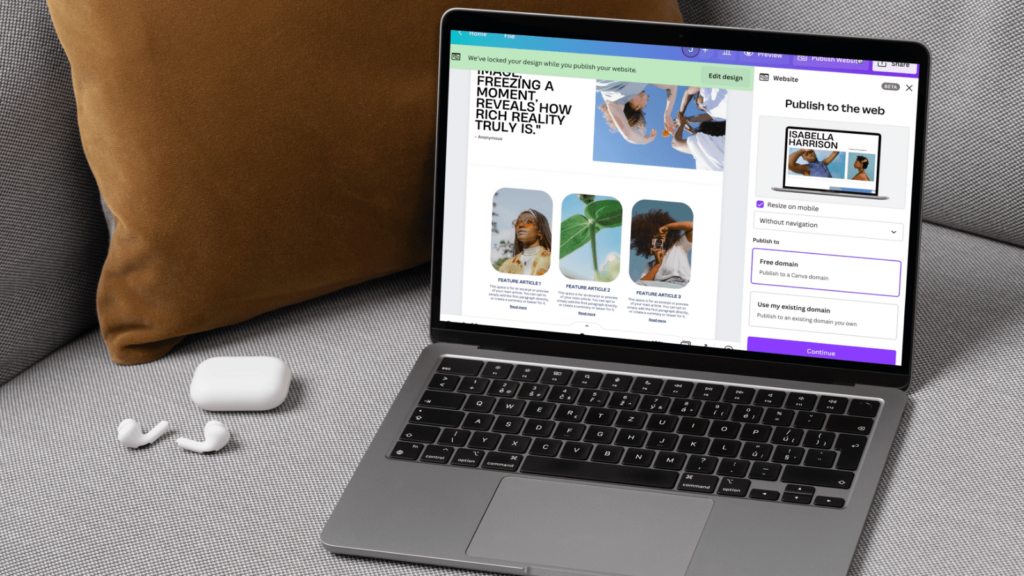
Canva is a free, beginner-friendly design tool that makes it easy to create professional-looking graphics in minutes. With thousands of templates and customisable elements, it’s become a go-to resource for DIY musicians.
Design your own album art
Canva offers pre-sized templates for album covers — just search “album cover” in the template bar. You can choose a design that fits your style, change the colours, upload your own photos or artwork, and add your artist name and track title.
Pro tip: keep your text readable even in thumbnail size — this matters for streaming platforms.
Promo posts made simple
From gig announcements to countdowns, Canva makes it easy to create eye-catching posts for Instagram, TikTok, and stories. Use the “music” templates to start, or design your own from scratch using brand colours and fonts. You can even add animations for a more dynamic look.
Save your templates so you can reuse them for each release — this helps keep your branding consistent.
Share your lyrics visually
Lyric graphics are a great way to connect with fans and get your words seen. Canva’s text tools allow you to highlight a line from your song and pair it with a strong background image. Keep it clean, emotional, and on-brand.
Whether you’re promoting your debut single or building hype for your next EP, Canva gives you the tools to look as good as you sound — no design degree required.


