Changing your music link provider doesn’t have to mean changing your release strategy. Keep the useful parts of your campaign, rebuild the public page and make sure every important route leads to the right recording.
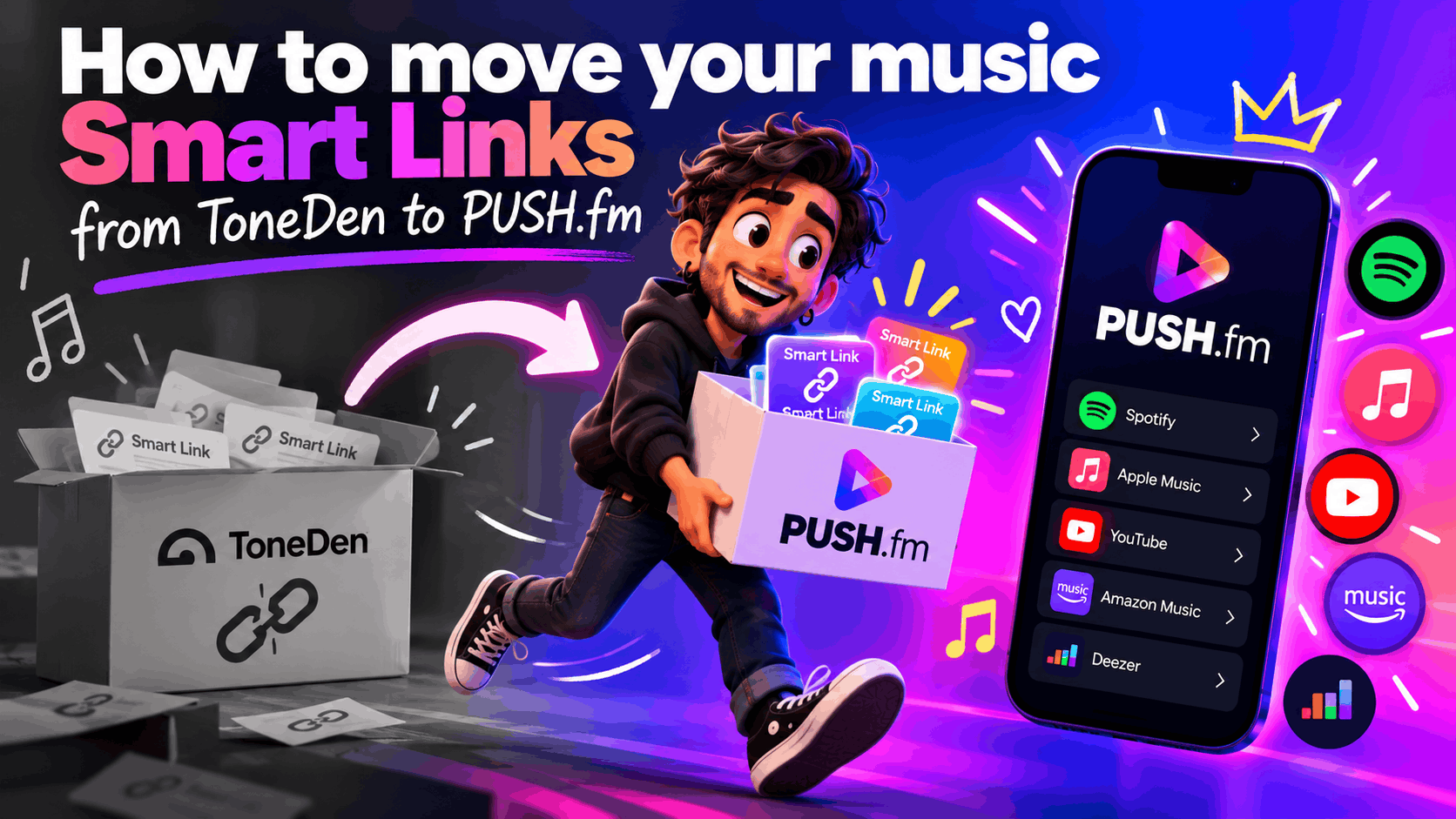
Audit what you already have
Create a simple register with the old ToneDen URL, release title, original destinations and placements. Save the copy and artwork you still have permission to use. If an old dashboard is unavailable, work from your own release records rather than guessing which services were listed.
Recreate the listener journey
In PUSH.fm, create a Smart Link for the correct release. Add the intended music destinations, check the version and make the primary action obvious. Use a recognisable public URL, but don’t assume you can claim or transfer the exact old ToneDen address.
Switch traffic in stages
Start with one live release and update its most visible placements. Open the link on a phone, tap every destination and check the wording. Once that journey works, repeat the process for the rest of your catalogue. Record the change date so your team knows which address is current.
Protect the release details
Check the artist spelling, featured collaborators, release version and artwork against your distributor records. Similar titles and alternate mixes can make an apparently valid streaming button lead to the wrong recording.
Keep a change log
Write down the old and new addresses, the date each placement was changed and who checked it. This is particularly useful when several people manage social accounts, websites and adverts for the same artist.