Someone photographs your merch table, takes a flyer home or saves a card in their pocket. They scan the code the next morning. Will the page still make sense?
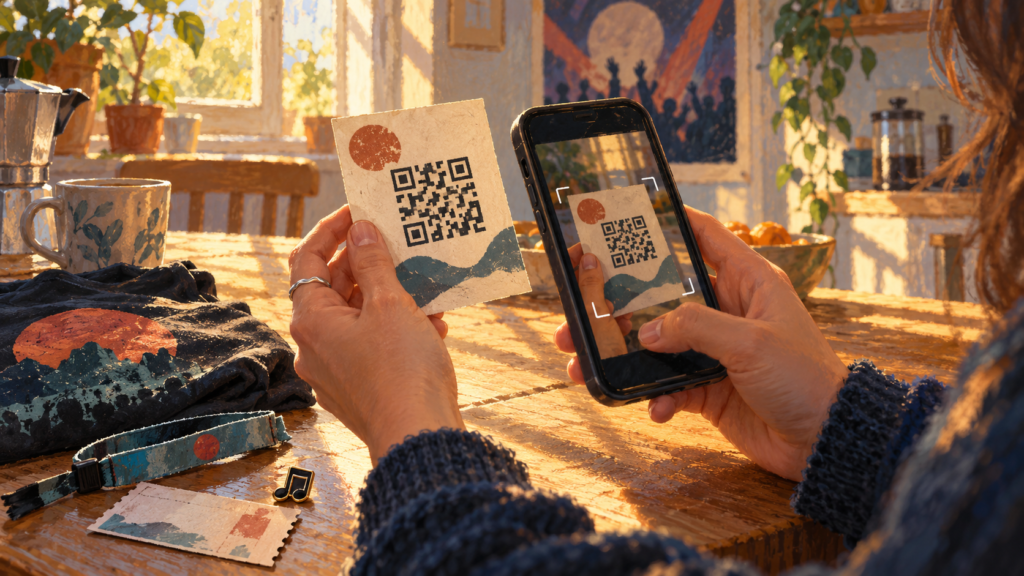
A merch table QR code landing page should work during the show and afterwards. It needs to help a listener recognise the artist, find the music they heard and choose whether to stay in touch.
Think about the later visit
A show-night page can quickly become confusing if every button says “tonight” or “buy tickets now”. A visitor arriving afterwards may want a track from the set, news of future gigs or the correct place to buy the digital release.
Use a page title that remains accurate: “[Artist] — music and show updates” is easier to maintain than “[Artist] tonight only” unless the offer really expires that night.
PUSH’s guide to QR codes in music promotion explains their broader uses. Here, the goal is a specific after-show journey.
Build a short page for showgoers
Start with the artist name and recognisable artwork or a performance image you can use. Then provide the main listening route.
If you name a song you played, link to that recording or explain that it is not yet released. Do not make a new listener guess which of several similarly titled versions matches the show.
An optional signup can sit below the listening section. Explain whether it provides future gig announcements, release news or both. You can use a Smart Link for your music destinations and follow PUSH’s guidance on collecting fan interest through a mailing-list page.
Adapt this copy
Heading: Heard [Artist] live?
Introduction: Thanks for coming to the show. Find [Song or release] below, or join our updates for future music and gigs.
Listening section: Hear [release title] on your preferred music service.
Optional update section: Join our email list for [accurate description of the messages].
Useful note: Looking for [unreleased song]? [Give the confirmed information you can share.]
You can mention the venue or date if the page is specific to that show. If it serves several gigs, remove wording that would make later visitors think they reached the wrong campaign.
Make the printed invitation clear
Place a short instruction beside the code: “Scan to hear the music” or “Scan for songs and future gigs”. Choose the wording that matches the page.
Keep the code legible and give it space. Test the actual printed version rather than just scanning an image on your laptop. Try it from the distance a visitor is likely to use and under conditions similar to the merch table.
Include a readable web address as a fallback where space allows. Someone whose camera cannot recognise the print still needs a route to the page.
Keep the destination useful
A printed QR code contains its original destination. Editing the content at that destination can keep it useful; changing to an unrelated new address will not rewrite codes already printed.
If your QR provider uses a redirect service, check how that service works and whether you control it. Do not assume every code is editable after printing.
For a PUSH Fan Link, the guide to updating the URLs inside your page explains how to change listed destinations. Test the printed code again after making changes.
Review the response without overclaiming
If the page also appears in your social bio, its total visits cannot automatically be attributed to the merch table. A dedicated show page can help separate the context, but shared screenshots and repeated visits still affect the totals.
Look at whether people reached the page and used its listening or signup options. Those are more useful questions than assuming every scan created a new long-term fan.
Build the page, print a test and scan it. Then open it again the morning after your next gig. It should still give a new listener a clear place to begin.