Before you publish the release announcement, open the link as a fan would. A polished post cannot fix a button that opens the wrong recording or a page that still talks about an upcoming release after the music is live.
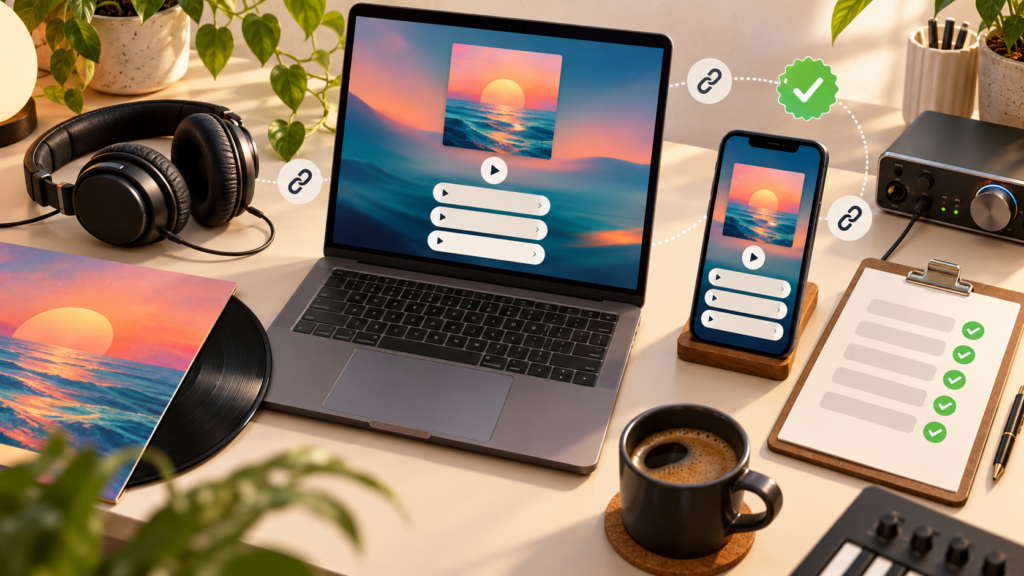
A release-day music link checklist gives you a repeatable way to catch those mistakes. Work through it before promotion starts, then revisit any destinations that were not available during the first check.
Start with the confirmed release details
Keep the artist name, release title, version, date and intended destinations together. If there is an explicit and a clean version, decide which one your campaign promotes. The same applies to remasters, radio edits and live recordings.
PUSH’s guide to building a release campaign around one Smart Link provides the wider campaign structure. The audit below checks the journey you are about to share.
Run these 12 checks
- Open the public URL. Use the exact address copied into your announcement, not an editor preview or a saved dashboard page.
- Check the artist and title. Look for spelling errors and similarly named artists. Make sure the featured artist credits match the release.
- Confirm the recording version. Tap through and check that each destination opens the intended single, EP or album.
- Review availability. A store link existing does not necessarily mean the release is playable for every visitor. Record anything you cannot verify.
- Test the listed services. Check each button rather than assuming the first working destination means they all work.
- Read the page as a new listener. The main action should be clear without knowing your campaign history.
- Check release-stage wording. Remove misleading “coming soon” copy once the recording is available. Do not announce availability before it is confirmed.
- Check the Pre-save journey. If you use conversion to a Fan Link, confirm your setup and test the public route after release.
- Test on a phone. Read the description, inspect the artwork and tap buttons without zooming in.
- Check signup or purchase promises. If a section offers email updates, a bonus or a download, make sure it describes the actual outcome.
- Check the announcement copy. The post, email or advert should describe the same recording and action as the landing page.
- Record the result. Note the time checked, device, failures and person responsible for fixing them. PUSH’s automatic Fan Link conversion guide explains that the conversion option needs to be enabled during setup. Check that setting before relying on it, and inspect the resulting page when the release is live.
Decide which problems must be fixed first
Treat a wrong recording, broken primary destination or incorrect release promise as a reason to pause the affected promotion. A minor wording improvement can wait if the page accurately delivers the main action.
If a particular service is not ready, do not claim it is. Update the page so listeners can understand what is available, and check your distributor or the relevant service for release-status information.
Use PUSH’s URL editing guide when a Fan Link destination needs changing. Editing a destination and replacing the public campaign URL are different tasks: confirm which one you actually need.
Keep a small issue log
| Check | Result | Next action |
| Correct recording | Pass/fail/unverified | Replace wrong version or confirm availibility |
| Main public journey | Pass/fail | Fix the page or announcement URL |
| Mobile copy | Pass/needs work | Clarify the action or shorten the description |
| Release-stage wording | Pass/fail | Update the confirmed status |
Recheck the changed item and the full journey after a fix. The correction may solve one problem while introducing another, such as an accidental URL typo.
If you are starting a new campaign, create your Smart Link, then audit it before sending listeners there. A few deliberate checks make release day easier for your team and for the fans trying to hear your music.