A producer considering your sample pack needs to know what it sounds like, what is included and whether it will work in their setup. A name and an attractive cover cannot answer all of those questions.
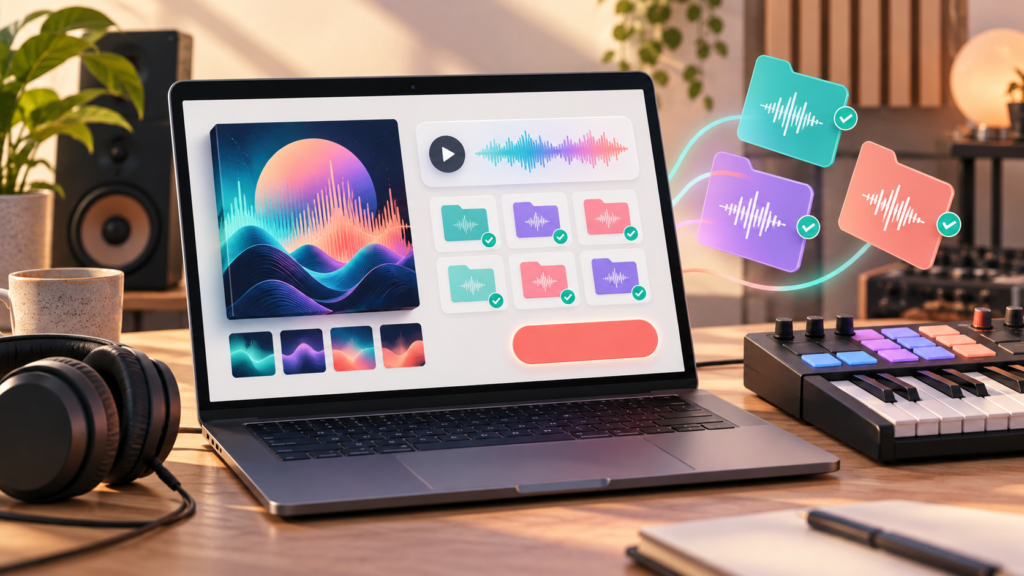
A sample pack product page template helps you turn the contents of a folder into a clear buying decision. Start with the facts you can verify, then explain the creative use.
Say who the pack is for
Describe the sounds and the intended use without promising a professional result. “Dry drum one-shots for producers building compact, punchy rhythms” gives a buyer more context than “The ultimate kit for instant hits”.
If the pack is designed around a particular style, explain that style in ordinary language. A buyer should understand the sound even if they do not know your project’s internal nickname.
PUSH’s guide to creating product descriptions that sell covers the broader writing principles. For a sample pack, useful detail matters as much as persuasive copy.
List the contents precisely
Count the final files before writing the description. Separate loops, one-shots, presets and demonstration material so the buyer knows what each total means.
Describe variations honestly. If several files are alternative versions of the same sound, explain that rather than suggesting every file is a completely different idea.
Useful details include:
- The number and type of included sounds.
- File formats and the technical specifications you have checked.
- Tempo or key information where relevant and accurate.
- Whether sounds are dry, processed or available in both forms.
- Any required software, including preset compatibility.
- The approximate download size.
Do not describe a preset as compatible with every digital audio workstation just because the accompanying audio files can be imported widely.
Explain what the preview contains
An audio preview should help someone judge the pack. Say whether the demo uses only included sounds or contains additional instruments, processing or vocals.
PUSH Pay Links support audio previews for digital music sales. Use that space to demonstrate the product accurately. A heavily processed demo can be useful, but tell the buyer what you added.
Avoid calling demo music a delivered file unless it is part of the download. Likewise, do not imply a full song comes with a pack when you are selling its individual sounds.
Make the usage terms easy to find
Tell buyers where to read the licence and what questions it answers. Describe the rights you actually offer; do not assume buying a file gives permission for every use.
If you are uncertain about rights to any included material, resolve that before selling it. A short sales description should not replace the full terms governing the pack.
Adapt this product page copy
Title: [Pack name] — [sound type] for [intended use]
Introduction: A collection of [describe sounds] made for [describe the production task]. Hear the demo below to see how the pack sounds in context.
Included: [Verified number] [loops/one-shots/presets], supplied as [formats]. [State relevant tempo, key or software details.]
Preview note: The demo uses [included sounds] plus [any extra material or processing]. [Explain whether the demo track itself is included.]
Before you buy: Download size: [size]. Required software: [requirements or none, if verified]. Usage terms: [where the buyer can read them].
Button: Buy and download [Pack name]. Only keep statements that apply to your files. Replace vague claims such as “works everywhere” with specific information you have tested.
Check the product from a buyer’s perspective
Unzip the final download into a fresh folder. Check file names, missing sounds and the instructions. Open representative files in the software you describe as compatible.
Use PUSH’s guide to preparing and organising project files for relevant housekeeping, then adapt the folder for a customer rather than a collaborator who already knows the session.
Finally, compare the page with the delivered folder line by line. Every promised item should be present. When the pack is ready, create a Pay Link for your digital download and give buyers the information they need to choose it confidently.