Changing your artist bio link is easy. Keeping the links in older posts, video descriptions and printed materials useful takes more planning.
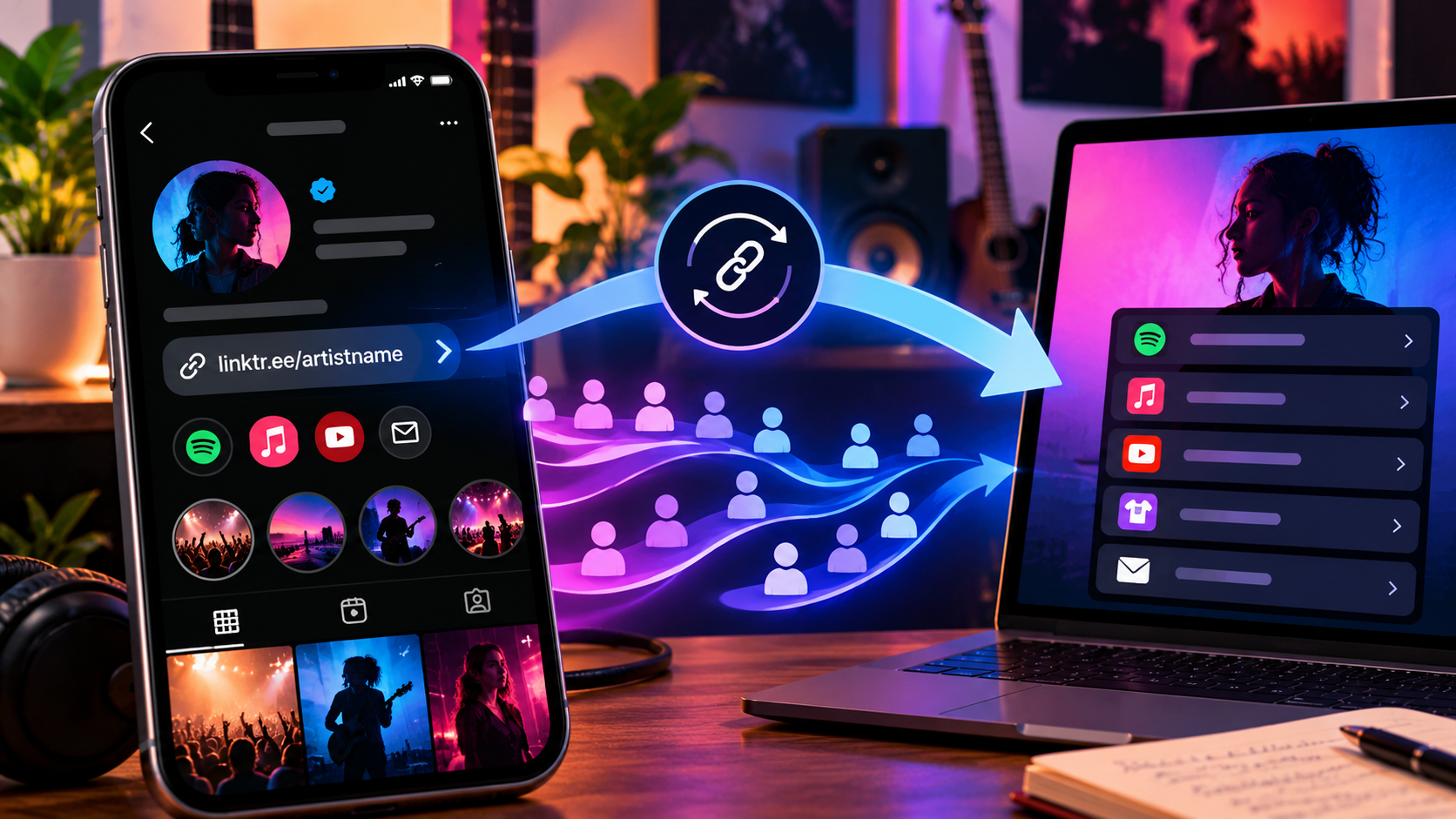
A migration checklist helps you map the routes fans already use before moving them to a new page. You may not control every old destination, so the goal is to preserve the traffic you can and make the new journey accurate.
Decide what you are changing
There are two different jobs: editing the destinations inside an existing page, and replacing that page’s public address.
If your current page still serves the campaign, you may only need to change its listed links. PUSH’s guide to updating URLs in a Fan Link explains that workflow.
If you are changing providers or creating a different public page, continue with an inventory. Do not remove the old page before you know where its address is still being used.
List the places carrying the old link
Check your social bios, website, recent and older video descriptions, email templates, press materials and partner pages. Include printed posters, cards and merch packaging.
Record the exact URL and whether you can edit its placement. A public post managed by a collaborator may require their help; a flyer already distributed cannot be rewritten.
| Placement | Old URL | Can You Edit It? | Intended New Destination |
|---|---|---|---|
| Social Bio | [URL] | [Yes/No] | [New URL] |
| Video Description | [URL] | [Yes/No] | [New URL] |
| Website Page | [URL] | [Yes/No] | [New URL] |
| Printed Card | [URL] | No | [Continuity Plan] |
Give high-traffic and actively promoted placements priority, using the information you actually have. Do not invent traffic estimates for pages you cannot measure.
Rebuild the destination with the current goal
Copy the useful campaign information, then check every destination. Migration is a good moment to remove obsolete ticket pages, clarify recording versions and replace dead links.
If you are using PUSH, create the relevant Smart Link before changing your bio. Keep artwork, titles and descriptions recognisable so returning fans know they have reached the artist they expected.
PUSH’s older SmartURL and Linkfire alternative article discusses a provider-switching context. For a decision today, check current product and pricing pages directly; historical comparisons should not determine what a plan now includes.
Preserve old routes where you can
If you control a redirect or the old landing page, check whether you can send visitors to the new destination or clearly signpost it. Test the result rather than assuming the provider supports redirects.
If you cannot control the old address, update the placements you can edit. Contact the owners of important partner pages with the correct replacement URL. Keep a record of the places that remain unchanged.
Do not cancel a service purely because the new bio is live if its old URLs still support important campaigns. Review what happens to published pages under that service’s current terms before making a decision.
Check printed QR codes separately
A printed QR code retains the destination encoded when it was made. Creating a new page does not update it.
Use PUSH’s guide to QR codes in music promotion for the wider context, then scan the physical materials you still distribute. If the original destination remains under your control, maintaining it may preserve that route. Otherwise, plan new printed materials and make the old-route limitation clear within your team.
Roll out and monitor
Test the new public page on a phone, click its primary destinations and check any signup or purchase journey. Update your active bio and campaign placements, then revisit them to catch pasted URL mistakes.
Keep the old-to-new map and note what has changed. Review available traffic reports for broken routes or unexpected drops, while remembering that a traffic change can have several causes.
Map your existing links before replacing your artist bio link. The new page is only one part of the move; the other part is keeping fans’ existing routes useful.