If you’re looking for a ToneDen alternative, start with the campaign you need to run next. PUSH.fm gives independent artists ways to share releases, prepare pre-saves, offer rewards and keep fans connected without turning promotion into another full-time job.
Choose the tool that matches your goal
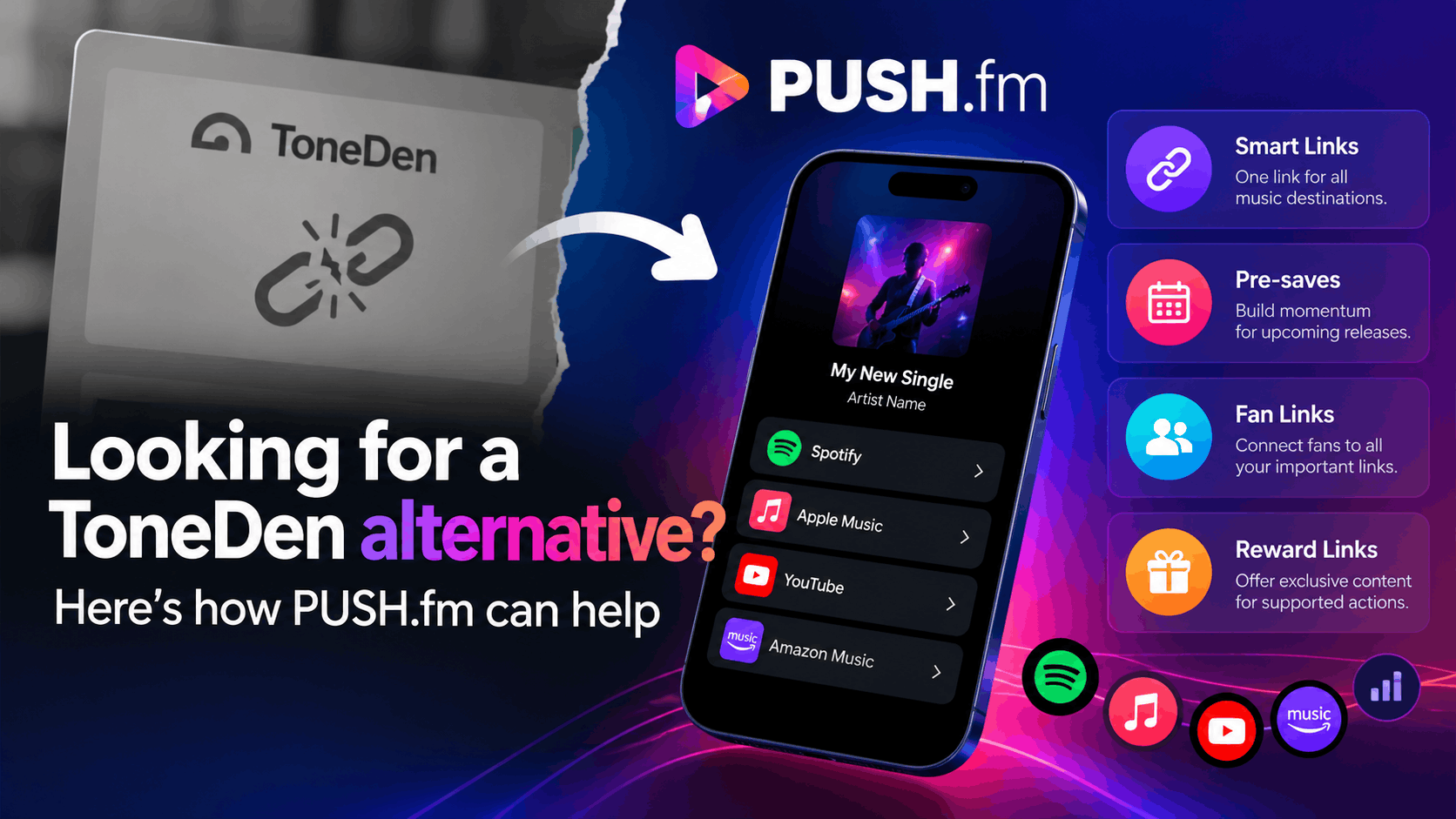
A Smart Link gives listeners one page for the music destinations you choose. A Pre-save lets eligible fans save an upcoming release before launch. Fan Links bring useful artist destinations together, while Reward Links can offer content in return for supported actions. These tools have different jobs; you don’t need to use every one for every single.
Move your campaigns carefully
Make a list of your old ToneDen public URLs, the releases they promoted and every place you shared them. Recreate one campaign in PUSH, test its buttons on a phone and then update your active bios, emails and adverts. A replacement PUSH link does not automatically redirect an old ToneDen address or import its analytics.
Keep the fan journey simple
Ask what you want someone to do first: listen, pre-save, sign up or receive a reward. Put that action near the top of the page. When your release goes live, review your campaign again so the wording reflects what fans can actually access.
Start with a campaign inventory
Before rebuilding anything, note which links are still being promoted and what each page is supposed to achieve. Include the artist, release, intended audience and the channel where the URL appears. This helps you avoid spending time recreating a campaign that no longer serves a purpose.
Test before sharing
Ask a colleague to open the replacement page without instructions. They should be able to identify the main action immediately and reach the correct destination. Record any confusing labels or unavailable services, make adjustments and test again before updating paid or high-visibility placements.