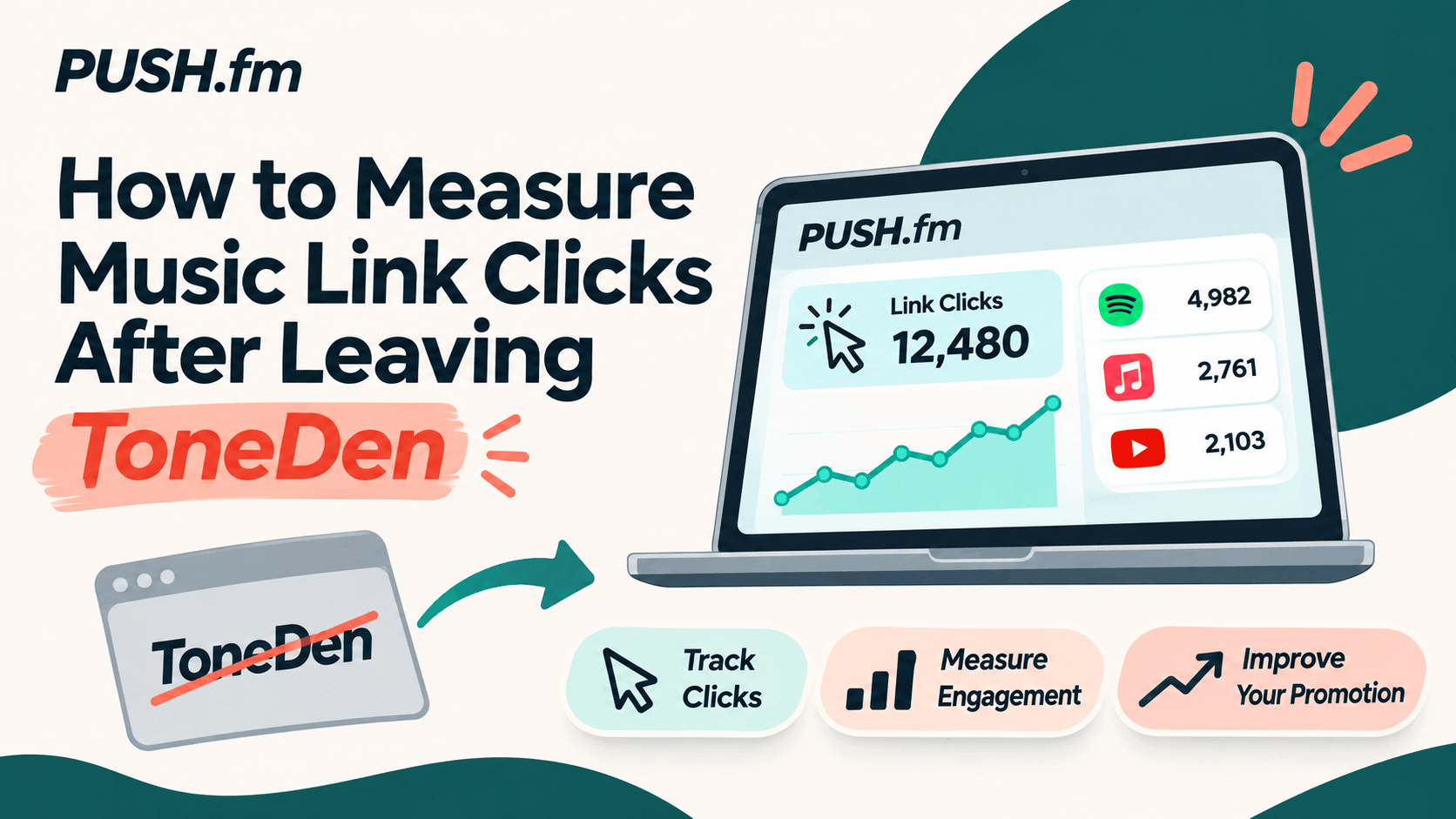
When you move to a new link platform, it’s tempting to compare the new dashboard with old campaign totals. Start with the metrics you can actually verify instead.
Understand the action
A page visit means someone reached the landing page. An outgoing click means someone selected a listed destination. Neither event proves they streamed the song, followed your profile or became a paying fan.
Create a fresh baseline
Record the launch date of your replacement PUSH.fm link, the campaign source and the reporting period. Don’t combine old ToneDen totals with new PUSH.fm figures as though the tracking definitions were identical.
Use the data to improve the page
If many people arrive but few choose a destination, review whether the primary action is obvious. If a particular service attracts attention, make sure its button is accurate and easy to find. Change one thing at a time and keep notes on what you observed.
Practical planning for this campaign
For this topic, begin by identifying the specific release, campaign goal and public links involved. Check the details against your own records before changing any active promotion. A clear inventory helps you spot outdated information and decide which action matters most to listeners right now.
Check the public experience
Before sharing an updated campaign, open its public page on a phone and follow every relevant button. Ask a second person to test it without instructions. Record anything confusing, correct the page and repeat the check. Keep the old and new addresses in your campaign notes so collaborators know which version to use.