A broken music link can quietly interrupt a campaign. Someone may still discover your song through an old video, but never reach the streaming page you intended. If a ToneDen Smart Link stops working, focus first on the routes fans are using today.
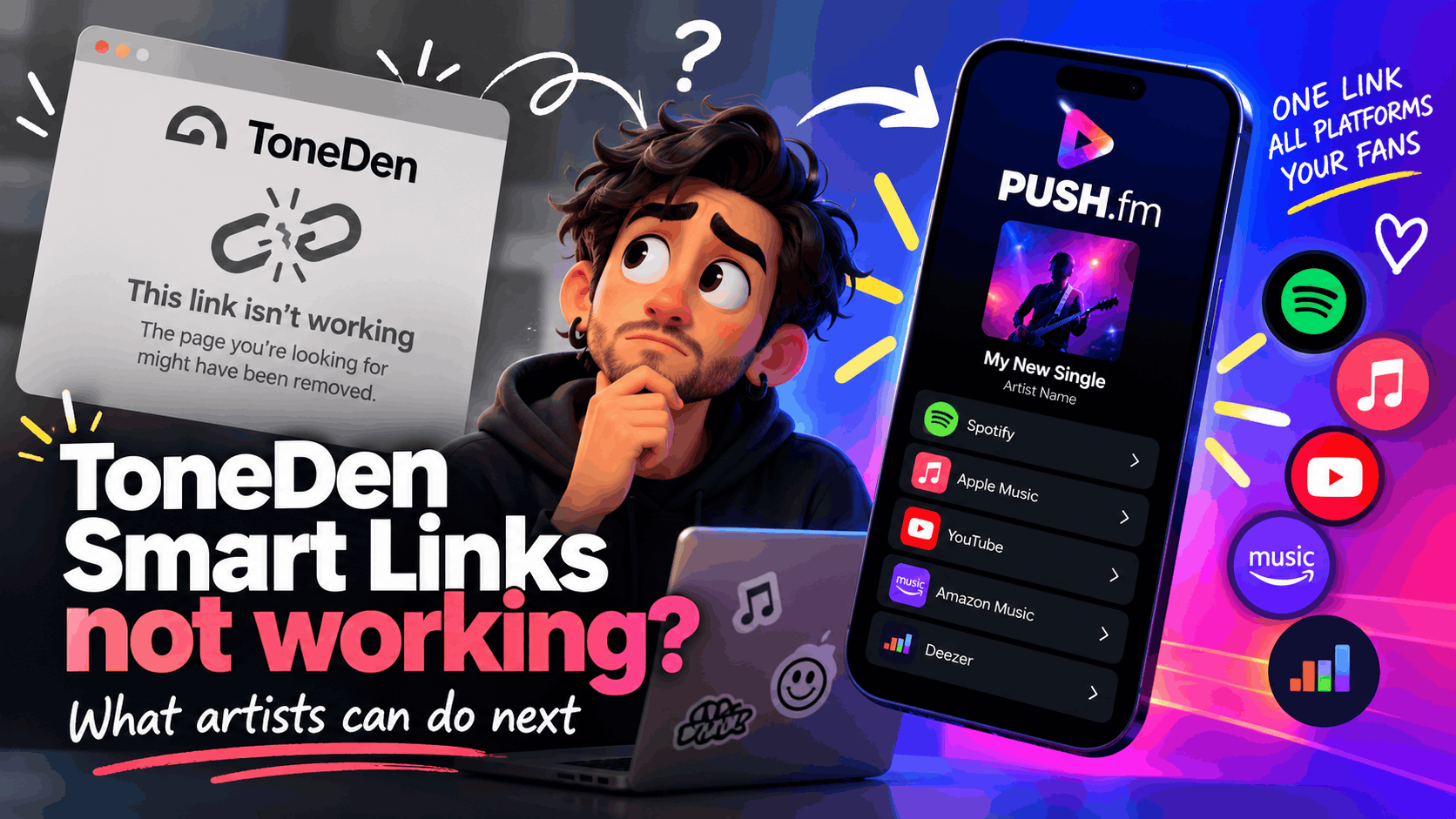
Confirm the problem before replacing everything
Open the public URL on a phone and another browser. Record the exact address, the error and the time you checked it. Test the destination service separately: a broken landing page is different from a release that has disappeared from a streaming platform.
Build a replacement route
Collect the correct Spotify, Apple Music, YouTube or other destination URLs for the release. Create a PUSH.fm Smart Link with accurate artwork and a clear listening action. Check each button rather than assuming that a page loading means the whole journey works.
Update the highest-traffic placements
Prioritise your artist bio, website, current adverts, pinned posts and recent video descriptions. Older printed QR codes may not be editable, so keep a record of where they point. Don’t promise that you can redirect a ToneDen-owned address unless you control that redirect.
Record the failure
Take a screenshot of the error and note whether it occurs on mobile data as well as Wi-Fi. Check whether the same destination opens directly. These details help distinguish a landing-page problem from a missing release or temporary streaming-service issue.
Tell fans where to go
Where an old URL cannot be edited, use a pinned update or a current profile link to point listeners to the replacement. Keep the message brief and avoid suggesting the original link has been repaired unless you have confirmed that it works.