
You don’t need to replace an entire back catalogue in one afternoon. A short, focused schedule can get your most important campaign working while keeping the rest organised.
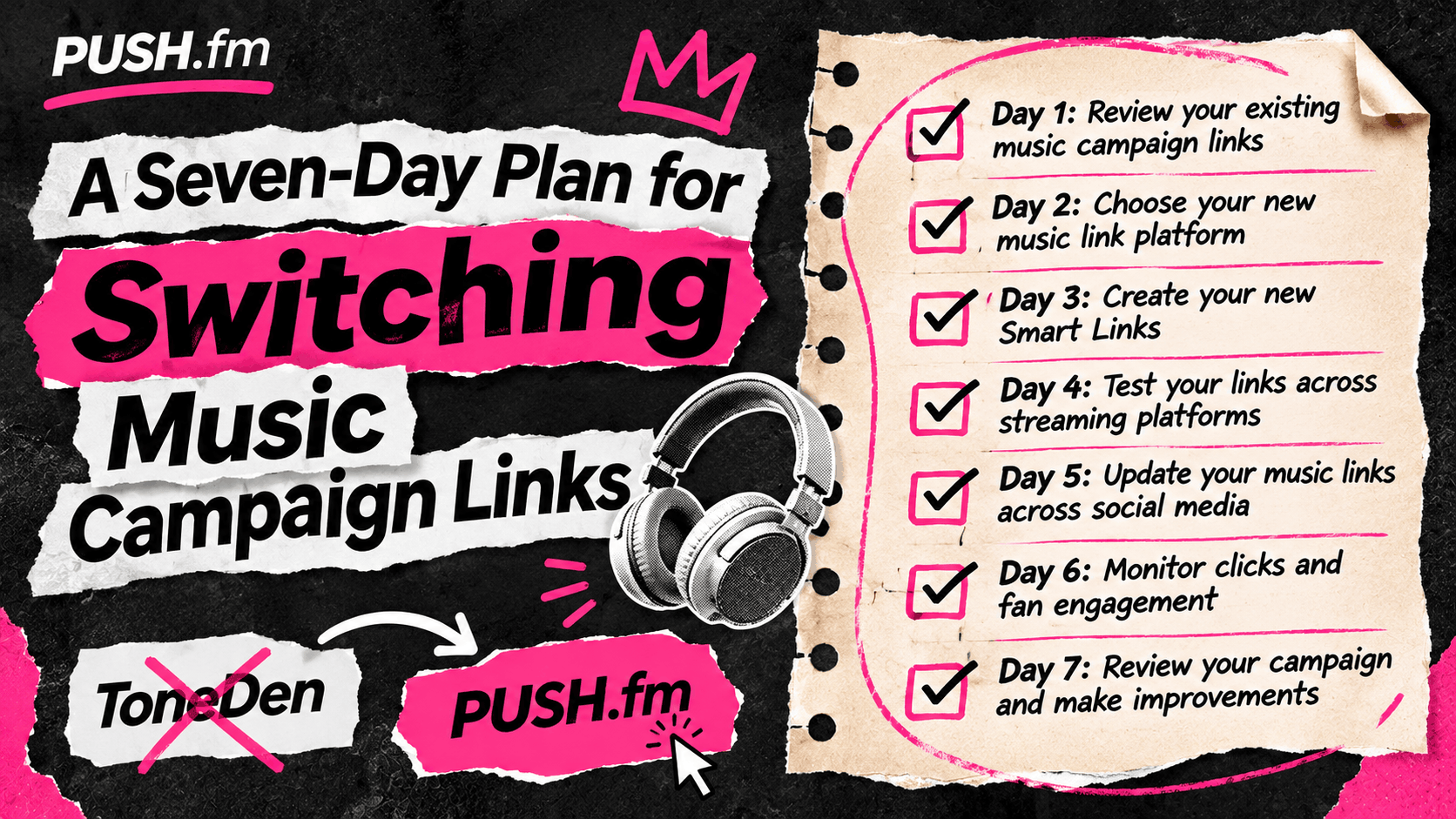
Days 1–2: audit and prioritise
List your active ToneDen URLs, the music they promote and where they appear. Rank the links by current use: artist bio, current single and paid advert routes usually need attention before an old announcement post. Confirm the correct destinations.
Days 3–4: build and test
Create the appropriate PUSH.fm Smart Link, Pre-save or Reward Link for your top campaign. Check the public page on mobile and test each button. Record any uncertain services instead of guessing.
Days 5–7: update and review
Replace the URL in current bios, website pages, email templates and scheduled content. Ask a collaborator to check the fan journey. Keep a record of old addresses and plan a second review after the next release or campaign change.
Practical planning for this campaign
For this topic, begin by identifying the specific release, campaign goal and public links involved. Check the details against your own records before changing any active promotion. A clear inventory helps you spot outdated information and decide which action matters most to listeners right now.
Check the public experience
Before sharing an updated campaign, open its public page on a phone and follow every relevant button. Ask a second person to test it without instructions. Record anything confusing, correct the page and repeat the check. Keep the old and new addresses in your campaign notes so collaborators know which version to use.