
If you’re leaving ToneDen during a pre-save campaign, the biggest question may be what happens to fans who have already acted. There isn’t a safe universal answer: it depends on the existing authorisations, services and campaign setup.
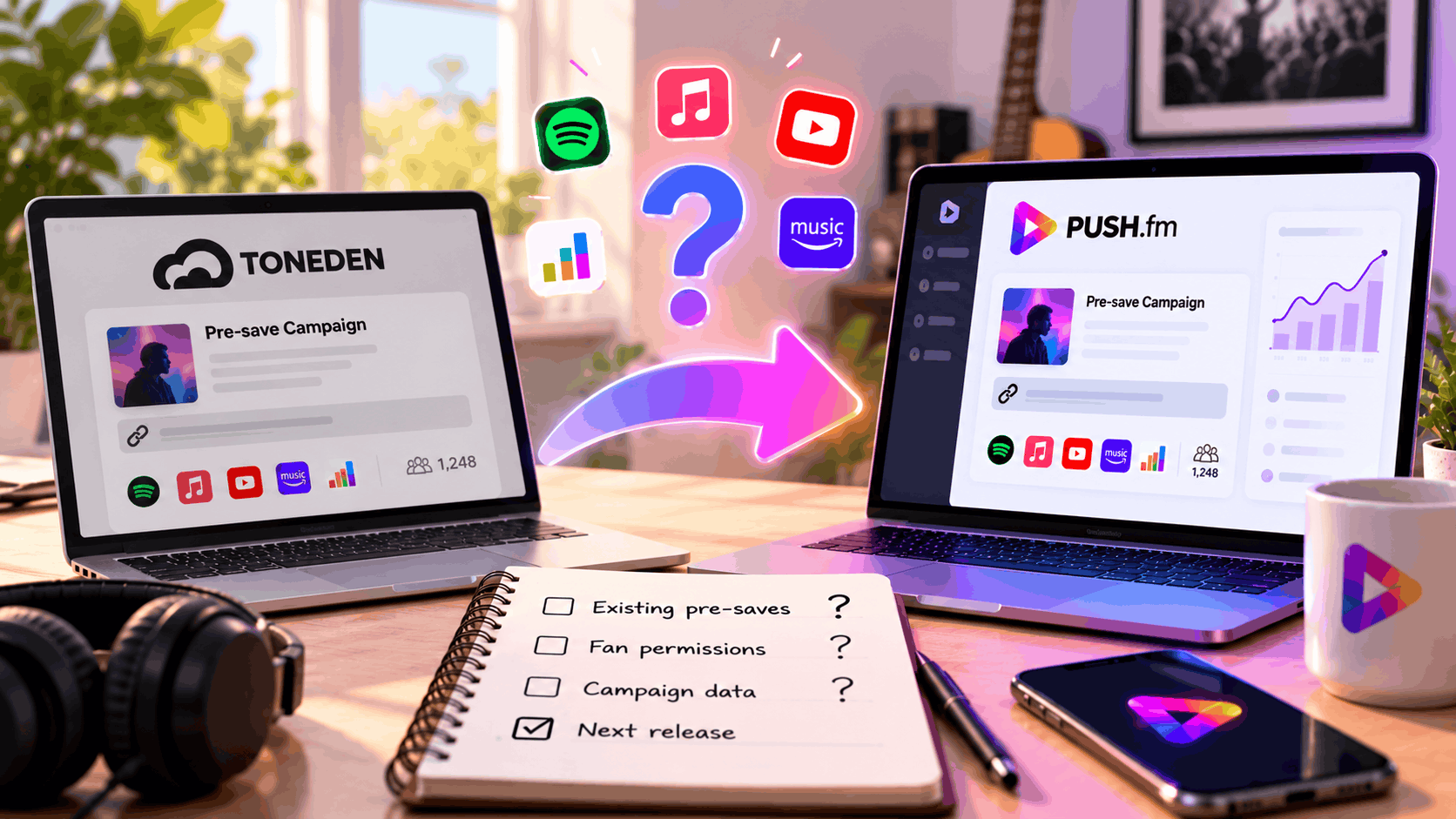
Separate the page from the action
A pre-save page is the public route. The pre-save itself may involve an authorised action on a supported music service. Recreating the page in PUSH.fm doesn’t prove that an earlier authorisation has transferred.
Get a confirmed answer
Check your existing provider’s guidance and the details of the new PUSH.fm setup. Ask the relevant support team what can be verified. Don’t tell fans to repeat an action, or reassure them that everything carried over, until you know.
Communicate without guessing
If the situation is unresolved, explain that you’re checking the campaign and will share a verified instruction. Once the new page is ready, test it and update current placements. Keep the wording focused on what fans can actually do.
Practical planning for this campaign
For this topic, begin by identifying the specific release, campaign goal and public links involved. Check the details against your own records before changing any active promotion. A clear inventory helps you spot outdated information and decide which action matters most to listeners right now.
Check the public experience
Before sharing an updated campaign, open its public page on a phone and follow every relevant button. Ask a second person to test it without instructions. Record anything confusing, correct the page and repeat the check. Keep the old and new addresses in your campaign notes so collaborators know which version to use.