Getting your fans to share your music on social media can often feel like hard work. However, Instagram’s ‘Add Yours’ Music sticker makes word-of-mouth promotion feel like a fun, interactive game.
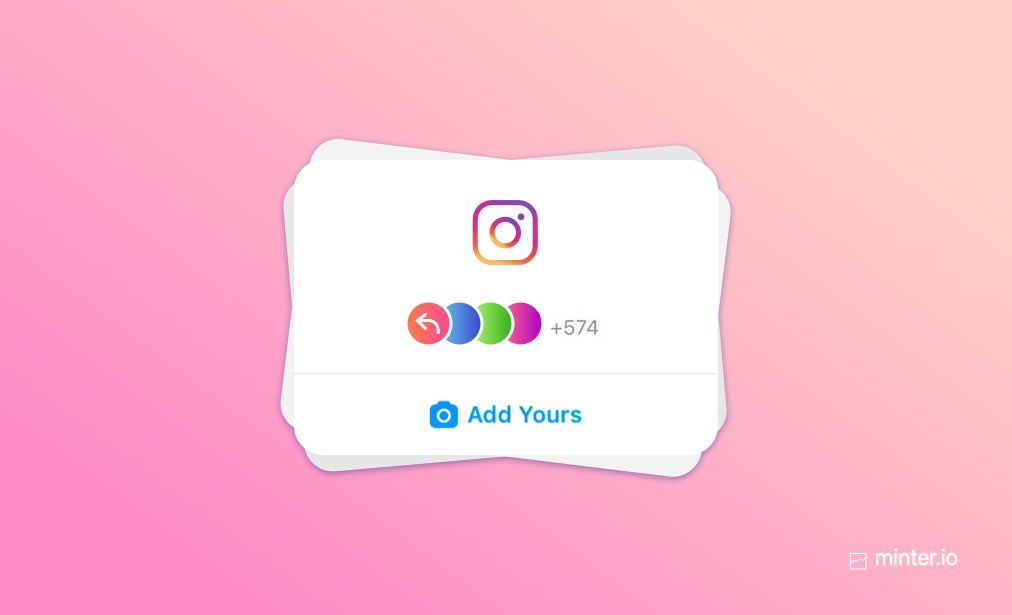
Instead of just asking people to stream your latest single, this sticker lets you set a prompt—like “Share your song of the summer” or “Add your favorite workout track”—and attach a specific song to it. When fans tap the sticker, they can add their own photos or videos using your audio, creating a public chain reaction across Instagram Stories.
Here is a quick guide to launching your own viral fan challenge using the sticker in four simple steps.
1. Create a clear, engaging prompt
The secret to a successful challenge is keeping the prompt simple and relatable. You want an idea that makes it easy for anyone to participate, whether they are a hardcore fan or a casual listener.
Here are a few quick prompt ideas tailored for musicians and creators:
- For new releases: “Add a video that matches the mood of my new single [Song Title]”
- For tour promotion: “Post your best concert memory from this year”
- For everyday engagement: “What song are you listening to on repeat today?”
2. How to set up the sticker in Instagram Stories
Setting up the challenge takes under a minute:
1. Open Stories and take a background photo
Open your Instagram camera and record a short video or upload a photo that fits your prompt.
2. Select the ‘Add Yours Music’ sticker
Tap the sticker icon at the top of your screen and select Add Yours Music from the menu.
3. Type your prompt and choose your song
Write your challenge prompt in the text box. Next, search for your track in Instagram’s music library and select the exact snippet you want fans to hear.
4. Publish and kick off the chain
Share the story to your profile. You are credited as the original creator, and anyone who views it can tap Add Yours to join in.
3. Boost participation with a simple incentive
While people love joining trends, giving fans a small extra nudge can make a massive difference to your response rate:
- Re-share the best entries: Promise to feature your favourite fan submissions on your main account or Story highlights.
- Offer a small reward: Run a 48-hour giveaway where everyone who joins the sticker chain gets entered into a draw for free merchandise or concert tickets.
4. Keep the momentum going
Once the chain starts moving, keep an eye on your notifications. Tap the sticker on your original Story to view every fan who has contributed to the trend.
Interact with their posts by liking, commenting, or re-sharing them. Showing genuine appreciation for early participants encourages even more people to jump on board!