A digital EP bundle should feel complete when a fan opens it. The tracks should be easy to find, the extras should match the product description and the instructions should explain how to get started.
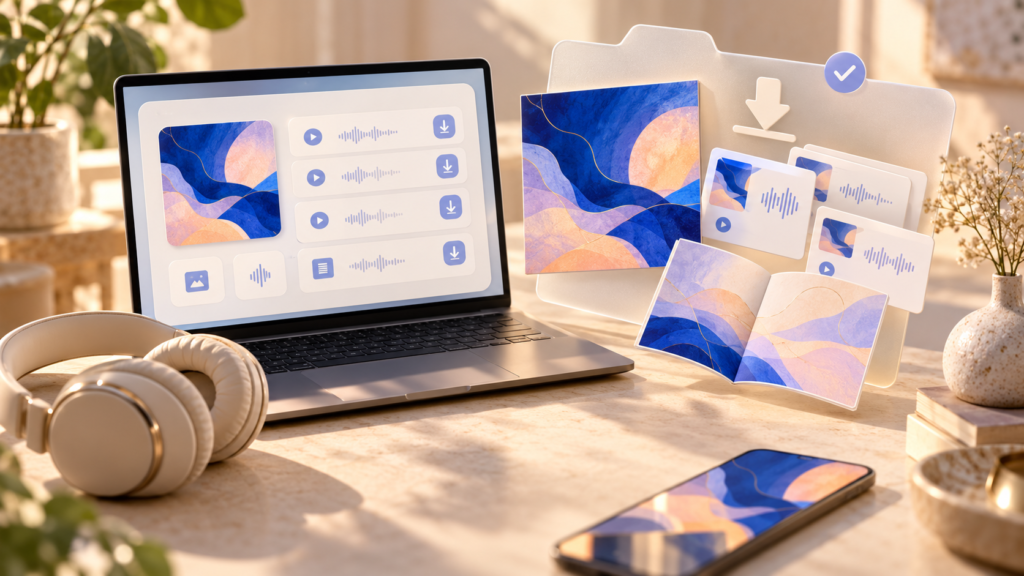
Use a digital EP bundle checklist before selling the download. It helps you check the actual fan experience, from the product page to the files on their device.
Choose the bundle before building the folder
Start with a short contents list. Your bundle might include the EP, cover artwork and a lyric booklet. It might contain an instrumental version or a live recording you have permission to share.
Include material because it adds something useful to the release. Several unexplained exports can make a download harder to navigate, even if the file count looks impressive.
Define what is included now. Do not promise future additions unless you have a clear delivery process and intend to fulfil them.
You can sell a digital download through a Pay Link. Prepare the contents as a coherent downloadable package; do not assume your sales tool will organise the files or manage a catalogue bundle for you.
Make the folder easy to understand
Use names that a listener can recognise without opening every file. A simple structure might be:
| Folder or file | Contents |
| Start here | A short text or PDF guide to the download |
| EP tracks | The purchased recordings in the advertised format |
| Artwork | Cover images included in the offer |
| Booklet | Lyrics, credits or other promised reading material |
| Bonus recordings | Clearly labelled extras, if included |
Number the tracks in the intended order and include the artist and song title where useful. Remove temporary export names and avoid leaving duplicate test files in the final package.
PUSH’s guide to preparing project files for a handoff covers useful organisation habits. A fan bundle needs an additional check: someone who has never seen the project should still know what to open.
Describe the audio formats
List the formats buyers will receive. If you offer more than one, use separate folders or clear labels so listeners can find the version they want.
Check that the file extensions match the files themselves. Renaming a file does not convert its audio format. Play each finished track and inspect its start and end for accidental silence, cut-offs or an incorrect export.
If you include embedded track information or artwork, test it in the players you use. Do not promise identical display behaviour across every app and device.
Add a short readme
Your instructions can be simple:
“Thanks for supporting [Artist]. This download contains [track list and extras]. Extract the ZIP folder before opening the files. The EP recordings are in [format] inside [folder]. If something appears to be missing, contact [support route] with your order reference.”
Explain whether there are different versions of a song and what each one is. Include credits and usage information where appropriate, without suggesting the purchase transfers rights you have not offered.
Match the sales page to the download
Write the contents, formats and download size clearly. If the cover image shows a physical record or booklet, make sure the text establishes whether the purchase is digital only.
Use the principles in PUSH’s product description guide to make the offer understandable. You can also add an audio preview so fans can hear an appropriate sample before buying.
Test the final package
Download or copy the final package into a clean location and extract it. Check every promised item, play every track and open the booklet. Try the instructions with someone who did not assemble the bundle.
Check your sales setup’s current file and storage limits before uploading. If a bundle is large, describe its size so buyers can plan the download. Review the supported test-purchase process rather than assuming a dashboard preview proves delivery works.
Keep a dated copy of the final package and a record of any later corrections. That makes it easier to answer a customer’s question about the version they received.
Package one EP bundle, test it from beginning to end and remove any confusion before you promote it. The extra care is part of the product your fans are paying for.