
Your social bio is often the first place a new listener looks after hearing a clip. If it still points to a broken campaign, that interest can end before the fan reaches your music.
Find every public placement
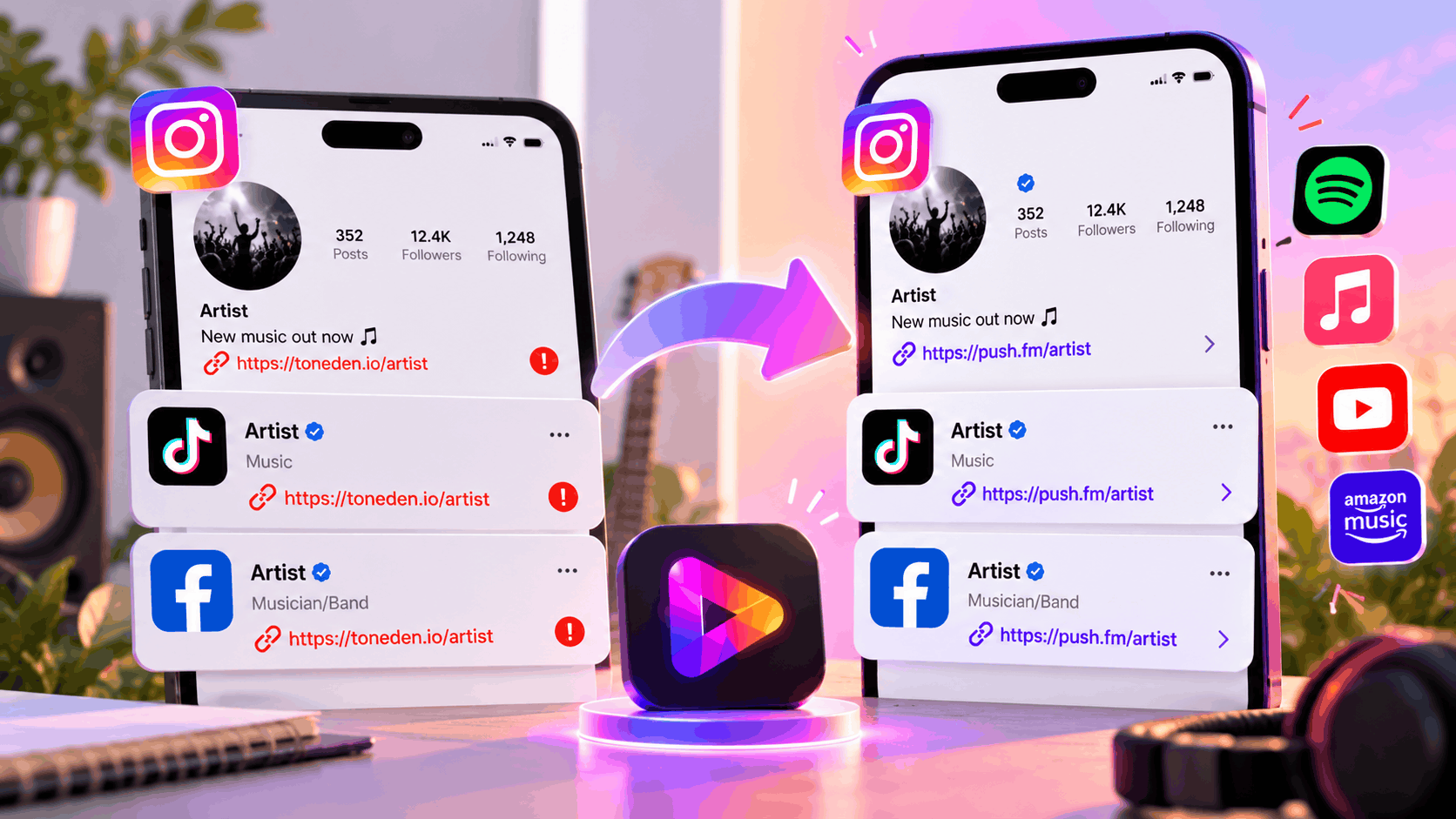
Check Instagram, TikTok, YouTube, Facebook, your website and any link-in-bio page. Don’t forget pinned posts and current advert landing pages. Record the old URL and the page it was meant to open.
Choose a stable replacement
Use a PUSH.fm Smart Link when the main job is listening to a release, or a Fan Link when you want a wider artist destination. Keep the page description short and make the first action clear.
Check the route after updating
Paste the new URL into each profile, save the change and open it from the public-facing page. Test the page on mobile. If you cannot edit an old post, add a clear current link in the places you can control instead of implying the old address will redirect.
Prioritise active profiles
Begin with the profile that currently sends the most people to your music, then work through the remaining channels. Check both the visible bio text and any separate website or action-button fields.
Check the public view
After saving an updated profile, open it as a visitor. Some apps cache changes or display links differently on mobile. Verify the route from the profile itself, not just by pasting the new address into a browser.