An artist landing page should help a new listener find the next thing they want: a song, a social profile, a show or a way to hear from you again. Rebuilding an old ToneDen page is a chance to make those choices clearer.
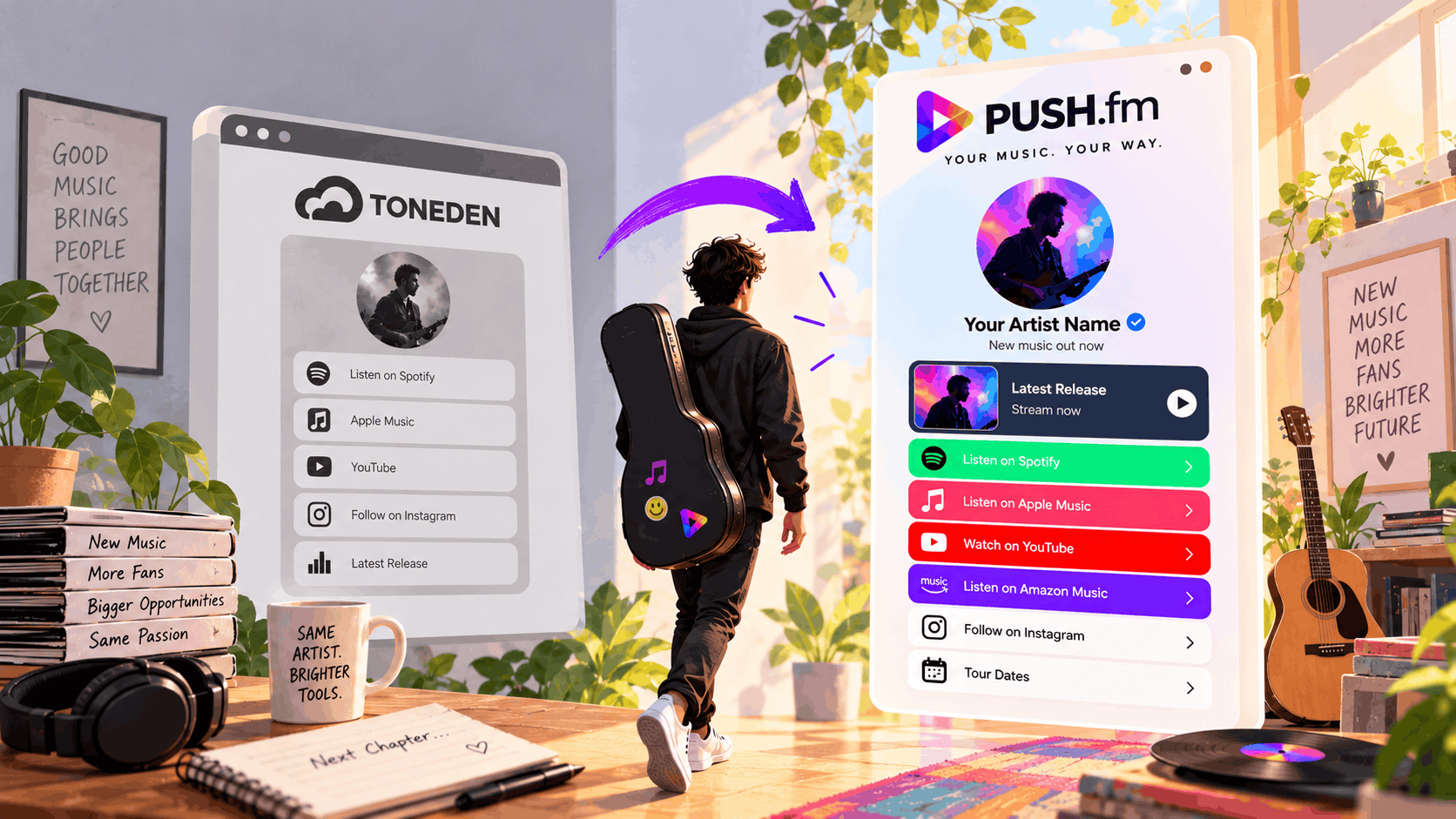
Lead with the most useful destination
Choose one main action, such as listening to your latest release. Keep your artist name, image and page description recognisable. If the page is for the artist rather than one song, PUSH.fm Fan Links may be a better fit than a release-specific Smart Link.
Organise the supporting links
Add the destinations that are genuinely useful: streaming profiles, official website, recent video or mailing-list route. Avoid a wall of duplicate buttons. Use PUSH.fm social icons where appropriate, but check that every URL belongs to your official account.
Keep it current
Review the page whenever a new release goes live. Remove outdated “coming soon” language, test on mobile and make sure your bio points to the current public address. Record where you have replaced the old ToneDen link.
Practical planning for this campaign
For this topic, begin by identifying the specific release, campaign goal and public links involved. Check the details against your own records before changing any active promotion. A clear inventory helps you spot outdated information and decide which action matters most to listeners right now.
Check the public experience
Before sharing an updated campaign, open its public page on a phone and follow every relevant button. Ask a second person to test it without instructions. Record anything confusing, correct the page and repeat the check. Keep the old and new addresses in your campaign notes so collaborators know which version to use.