When a campaign tool changes, it’s tempting to copy every old page exactly. A rebuild is also a chance to remove steps that no longer help fans.
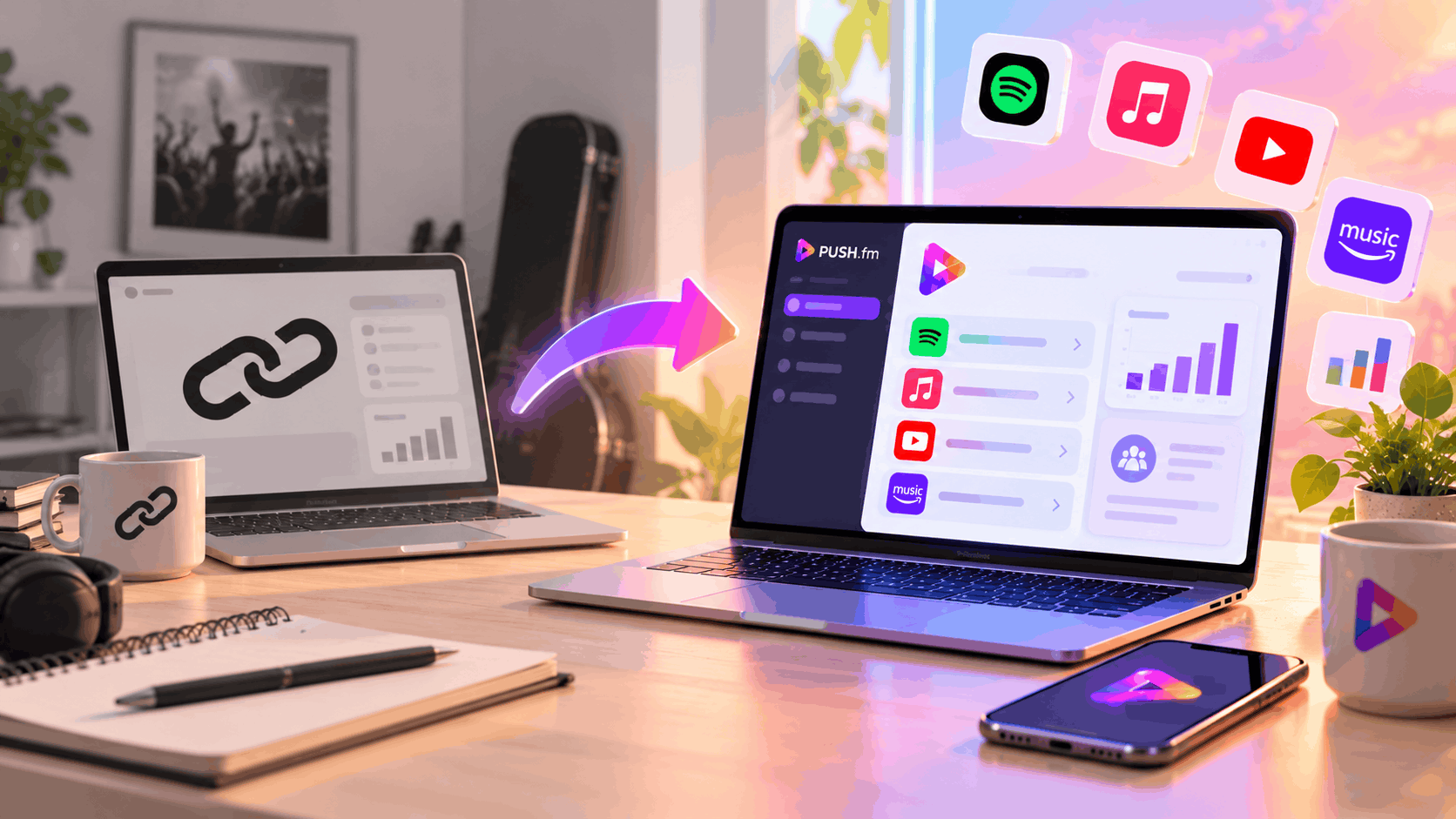
Decide what the campaign needs
Write down the one action that matters now: pre-save, listen, join updates, access a reward or buy a download. Use a PUSH.fm Pre-save, Smart Link, Reward Link or Pay Link where that matches the outcome. Don’t add extra pages just because they existed in the old setup.
Create a campaign register
For each old ToneDen URL, record the release, purpose, new URL, owner, status and placements. Mark uncertain destinations as awaiting checks rather than ready. This simple document can stop different team members sharing different addresses.
Rehearse the fan journey
Open each page on a phone without signing into your account. Check the artwork, copy and primary button. Ask someone unfamiliar with the campaign to describe what happens after they click. Fix confusing promises before publishing new posts.
Define success first
Choose one measurable outcome for the campaign, such as reaching a verified listening page or helping fans access a reward. This makes it easier to decide which old steps are worth retaining.
Assign ownership
Give each replacement page an owner responsible for testing it and updating its placements. A simple status column such as planned, testing or ready prevents unfinished pages from being shared accidentally.