Navigating the music industry can feel like learning a completely new language. For independent musicians and songwriters, understanding music copyright and royalties is the difference between leaving money on the table and running a sustainable creative business.
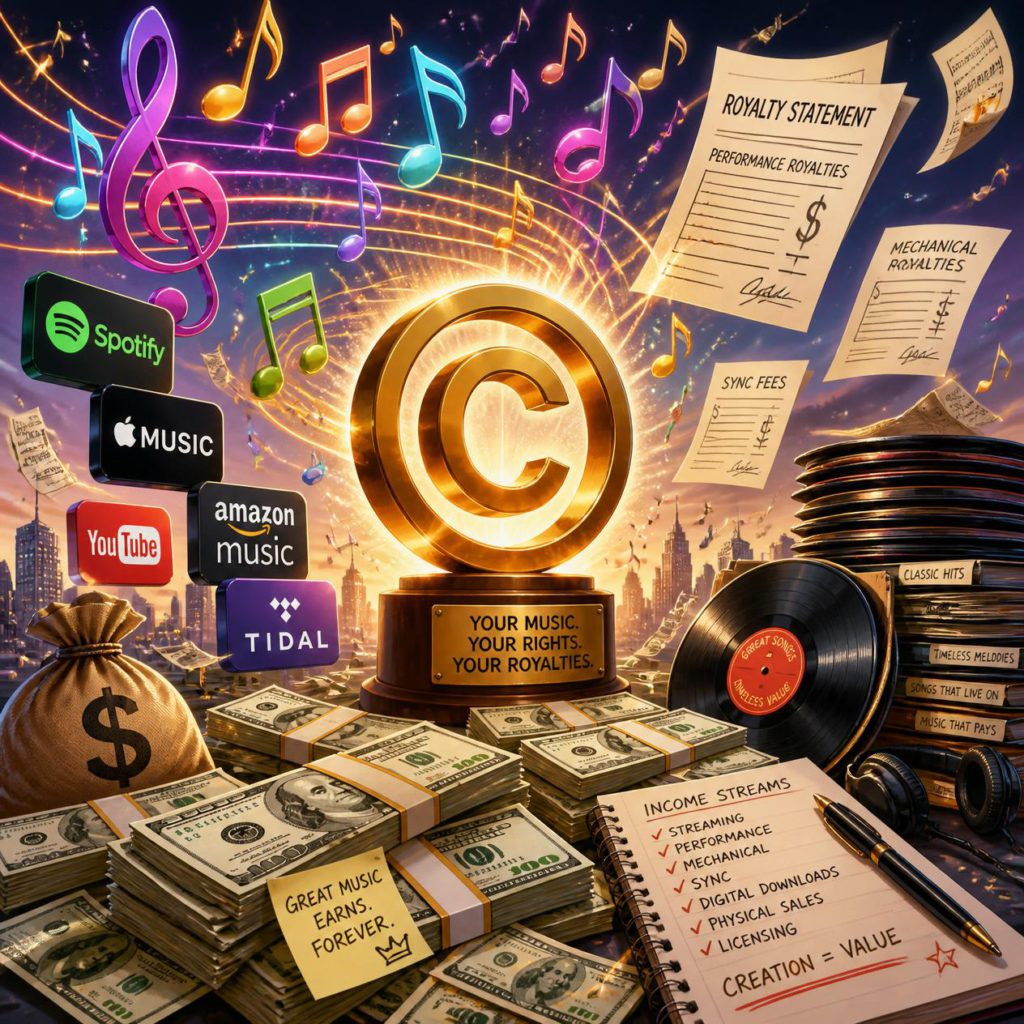
When you write and record a track, you actually create two separate assets, and each generates its own revenue streams.
The two sides of music copyright
Every song has two distinct copyrights that generate independent streams of income:
- The composition (the song): This covers the underlying melody, lyrics, and chords. This belongs to the songwriters and publishers.
- The master (the sound recording): This is the specific audio recording of that composition. This belongs to whoever paid for the recording session—typically the independent artist or a record label.
Understanding performing rights organizations (PROs)
To collect the money your music earns, you must register with the correct industry bodies. Performing rights organizations track and collect royalties whenever your music is played publicly. This includes radio broadcasts, TV syncs, live venues, and digital streaming services like Spotify and Apple Music.
In the UK, these responsibilities are split between two primary organizations:
- PRS for Music: They collect performing royalties for the songwriters and publishers whenever the underlying composition is broadcast or performed.
- PPL (Phonographic Performance Limited): They collect royalties for the performers and the owner of the master recording when the recorded track is played in public.
If you are an independent artist releasing music globally, you also need to look into a publishing administrator or mechanical licensing agencies to collect your mechanical royalties, which are generated every time a song is digitally reproduced via a stream or download.
You cannot effectively monetise your music without protecting it first. By registering your master rights and compositions with bodies like PRS and PPL, you ensure that every stream, broadcast, and live performance translates into the royalties you have rightfully earned.