
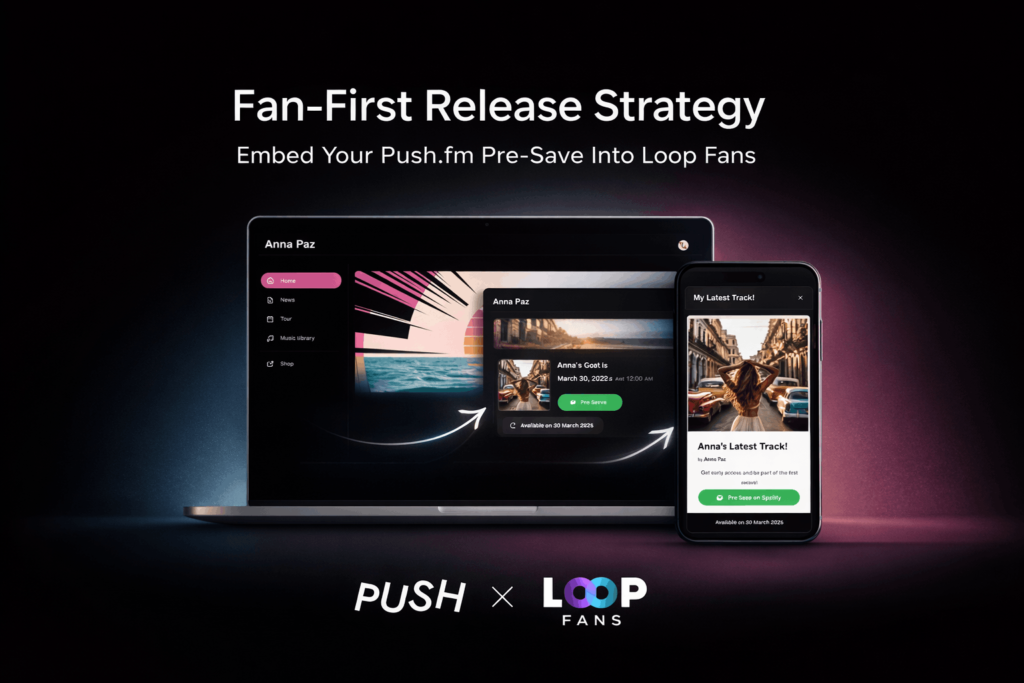
You can now create a free artist website and embed your PUSH.fm Pre-save directly into it — turning your campaign into a complete release destination.
Pre-save campaigns are one of the most effective ways to build momentum before release day.
- They capture early intent.
- They signal demand to streaming platforms.
- They help you launch stronger.
But most Pre-saves live as standalone links.
What if you could build your own artist website around your Pre-save — for free? We’ve partnered with Loop Fans to make that possible.
You can now create a free artist website and embed your PUSH.fm Pre-save directly into it — giving your campaign a dedicated home.
Instead of promoting just a single link, you can send fans to your own page built around your release.
🎥 Watch the full tutorial below:
Or scroll down for the step-by-step instructions.
Why this improves your campaign
When your Pre-save lives inside your own artist website, you can:
- Centralise all your campaign traffic
- Present your release in a more complete environment
- Strengthen your branding around launch
- Unify your important links in one place
- Build structured momentum before release day
Your Pre-save becomes part of a smarter launch setup — not just a URL.
Want to take it further?
We’re inviting a small group of artists with upcoming releases to participate in a featured case study combining:
- A PUSH.fm Pre-save campaign
- A professionally designed artist website built for them on Loop Fans
- A paid digital drop integrated into their page
- Additional exposure across both platforms
We’ll work with you to design and structure the page around your release — so everything lives in one focused destination.
If you’re planning your next release and want to maximise its impact:
How to set it up (step-by-step)
Step 1: Create your Pre-save campaign on PUSH.fm
Inside your PUSH.fm dashboard:
- Click Create new link
- Select Pre-save
- Add your release title and details
- Set your release date (we recommend at least six weeks ahead to maximise momentum)
- Click Launch link
Once live, copy your Pre-save link.
Step 2: Embed it into your Loop Fans release page
Inside your Loop Fans Studio:
- Go to Website → Pages
- Select the PUSH.fm integration card
- Paste your Pre-save link
- Add your release details
- Complete the setup
Your PUSH.fm Pre-save is now embedded into your own dedicated artist website.
Launch smarter
With PUSH.fm and Loop Fans working together, your campaign doesn’t stop at a standalone link.
You now have:
- A free artist website
- A fully integrated Pre-save
- One focused destination to share across ads, socials, and email
Stronger structure.
Cleaner presentation.
Smarter launch.


