
Two-factor authentication (2FA) is a useful security feature on Instagram. It adds an extra layer of protection by requiring a code or verification in addition to your password. While it keeps your account safer, it can sometimes cause frustrating problems, including temporarily blocking you out of your own account.
Why Instagram blocks you during two-factor authentication
1. Incorrect or expired codes
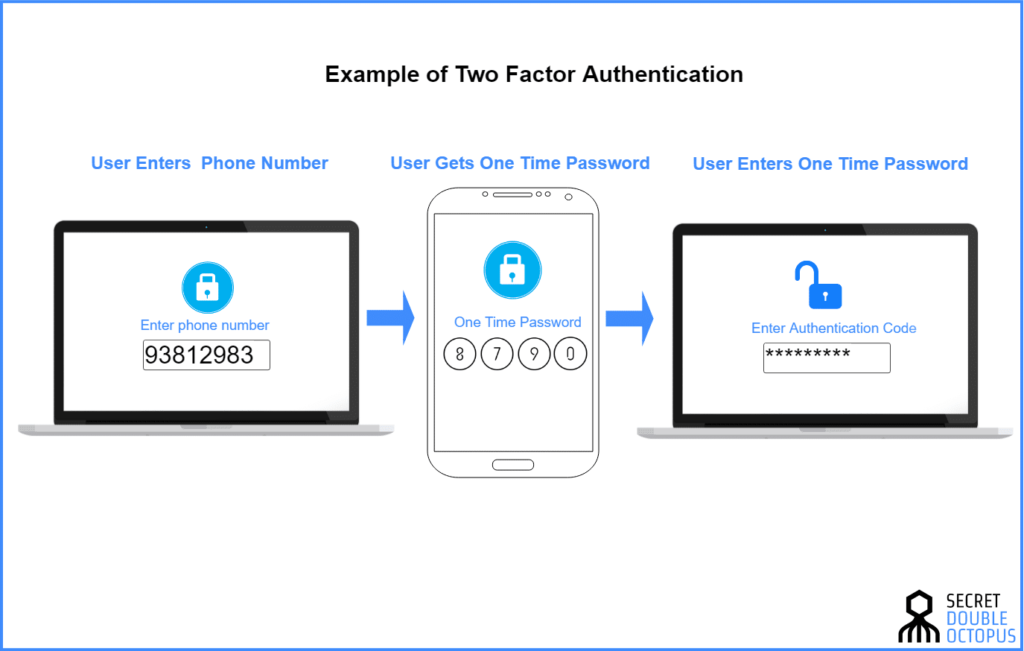
The most common reason for being locked out is entering the wrong verification code or using an expired one. Codes are time-sensitive, and entering them incorrectly multiple times can trigger a temporary block.
2. Phone number or email issues
If the phone number or email linked to your account is outdated, you might not receive the verification code. Without the correct code, Instagram may prevent you from logging in.
3. App glitches or outdated software
Sometimes Instagram itself has bugs, or your app version is out of date. These technical issues can interfere with 2FA, blocking access even when you enter the correct information.
4. Logging in from a new device or location
Instagram may flag login attempts from unfamiliar devices or locations as suspicious. Combined with 2FA, this can temporarily lock your account until the system confirms your identity.
5. Third-party authentication app problems
If you use an authentication app instead of SMS codes, issues with the app or syncing can prevent you from generating the correct code, leading to lockouts.
How to regain access
- Check your codes: Make sure you’re entering the most recent code and typing it correctly.
- Update contact information: Ensure your phone number and email linked to the account are current.
- Use backup codes: Instagram provides backup codes when you set up 2FA — keep these safe for emergencies.
- Try a trusted device: Logging in from a device Instagram recognises can reduce blocks.
- Update the app: Make sure your Instagram app is the latest version.
- Contact support if needed: If all else fails, reach out to Instagram’s help centre to recover your account.
Tips to prevent future lockouts
- Keep your contact details up to date.
- Store backup codes in a safe place.
- Avoid logging in from untrusted or unfamiliar devices.
- Regularly update your app to prevent glitches.
Two-factor authentication is an essential security tool, but it can occasionally block you out of your account. Understanding why these lockouts happen and how to fix them ensures you stay secure without losing access to your Instagram profile.


