
A ToneDen FanLink and a PUSH.fm Smart Link can serve a similar listener need: one shareable address for several music destinations. The important part is keeping the journey accurate when you rebuild it.
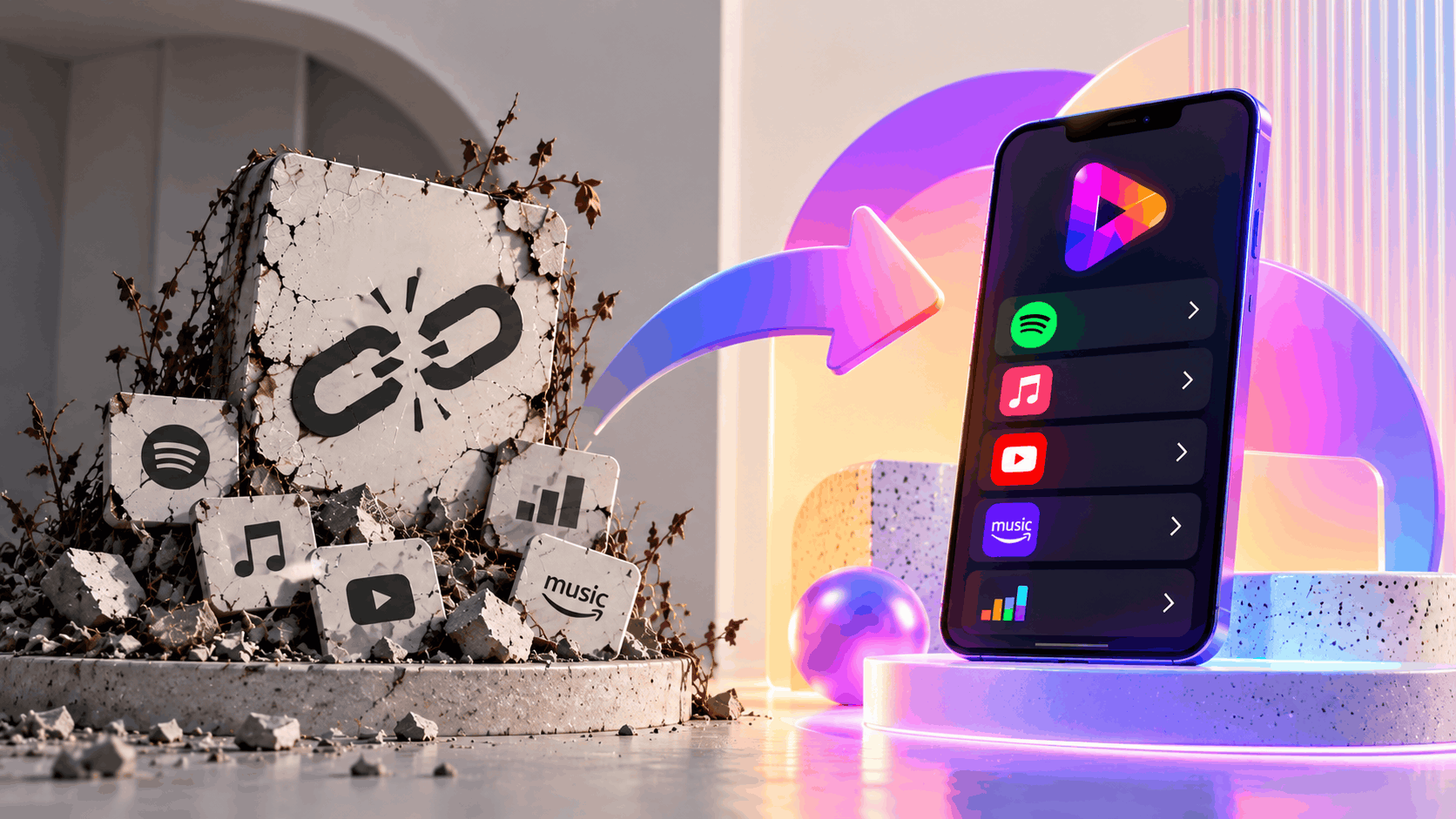
Start with the song, not the design
Identify the exact single, EP or album the old page promoted. Confirm the studio, acoustic, live or clean version where relevant. Gather the streaming URLs from the services themselves so you don’t accidentally send fans to another recording.
Make the action obvious
Use the release artwork and a short description. Put the main listening destinations where fans can find them quickly. PUSH.fm also has Fan Links for wider artist destinations; choose the page type according to whether you’re promoting a release or an artist profile.
Check what cannot transfer
Your new page has a new public address unless you control a separate redirect. Old clicks and historical ToneDen reports won’t automatically appear in PUSH.fm. Update your current promotional placements and record the new URL for collaborators.
Match the exact recording
A single may have radio edits, remixes, acoustic versions or live recordings. Verify each service URL against the intended version so fans are not directed to a different track with a similar title.
Update your collaborators
Share the new public address with anyone preparing promotional posts, press materials or newsletters. Ask them to replace saved templates as well as scheduled posts to reduce the chance of old URLs reappearing.