
Anyone who’s old enough to remember the days of MySpace or MSN allowing you to share songs you were currently listening to will understand the sense of power it gave. Instagram Notes allows the same sense of validation through their Listening to feature.
If you’re a music artist looking to share your latest releases further than just through your links, why not encourage people to listen by making it clear you’re your own biggest supporter? After all, why shouldn’t you be?
You need to back yourself if you want others to back you too. Sharing your music links will only help you so far, you need to give listeners a taste of it. A try before they buy almost. Although, in this case it’s a read before you stream… not as catchy.
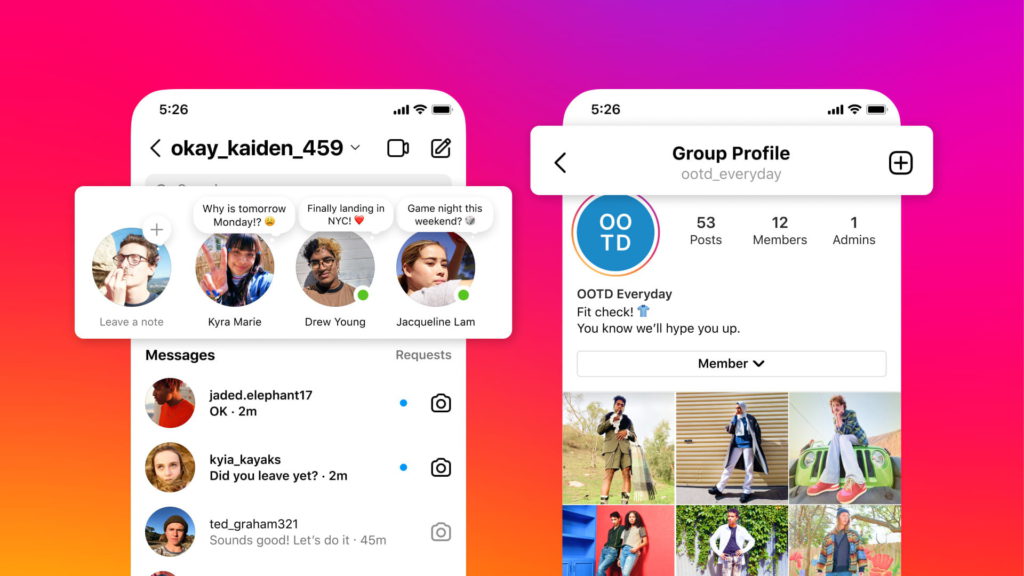
Instagram has a feature which allows you to share what you’re currently listening to. Others can see what you’re streaming through the Notes option within the app. It’s important to note this is mobile only, and is not available on the web platform.
Likewise, unfortunately, the feature isn’t something everyone can yet use, it seems to be a wide amount of accounts, but not all. We’d recommend, if you’re a music artist and you have the option to share through Instagram Notes, you share your own tracks.
Here’s how👇
- Tap
Messages at the bottom.
- Tap Note… above your profile picture at the top of your inbox.
- Tap
Music. Note: If you haven’t yet linked your Spotify account, tap Link Spotify.
- After linking your Spotify account, tap
More next to Share from Spotify.
- If you’re already listening to Spotify: The music will appear as your note.
- If you aren’t listening to Spotify: Go to the Spotify app and start playing music.
- Enter a note of up to 60 characters.
- Select to share your note with followers you follow back or your close friends.
- Tap Share in the top right to share your note. Your note will appear at the top of the inbox in messaging and above your profile picture in your profile.
You can stop sharing this note at any time by clicking on the note once more and choosing to stop sharing it. If you’re looking to promote multiple tracks from an album, this might be the way to do it.


