
One of the most frustrating things about recording at home is finishing a take, putting on your headphones, and realising your voice sounds hollow, distant, or like you recorded it inside a public toilet.
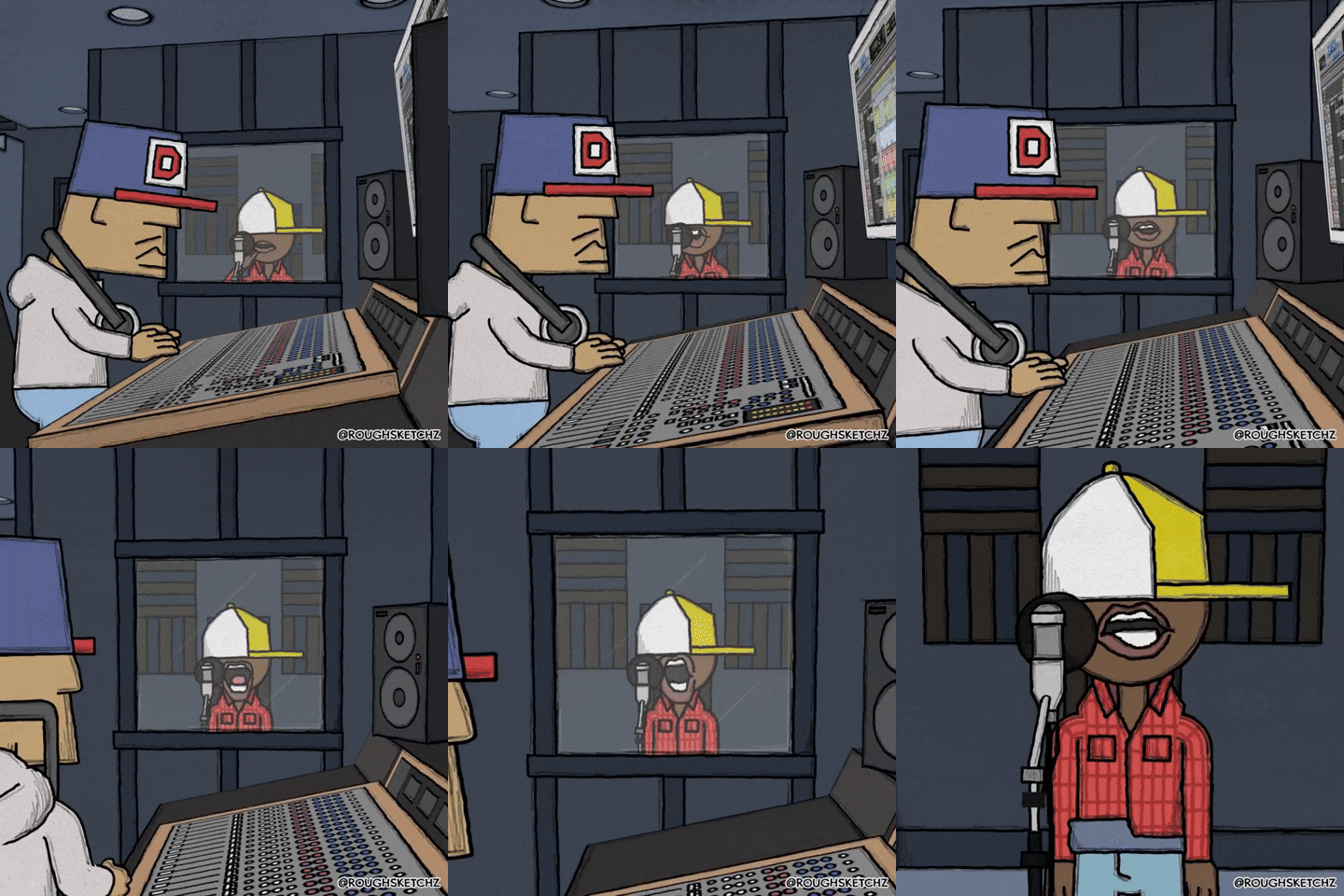
This happens because sound waves are bouncy. When you sing or speak into a microphone, the sound of your voice travels past the mic, hits the hard, bare walls of your bedroom, and bounces straight back into the microphone a fraction of a second later. This creates a tight, unpleasant room echo.
The good news is that you do not need to spend hundreds of pounds on professional acoustic foam shapes to glue to your walls. Here are three simple, free steps to stop the bounce and get a dry, radio-ready sound right now.
1. Step inside your wardrobe
It might sound silly, but professional voiceover artists and vocalists do this all the time when they travel and stay in hotels. Your wardrobe is secretly the best-sounding acoustic booth in your house.
Why it works
Hard surfaces like plasterboard, mirrors, and wooden floors reflect sound like a mirror reflects light. Soft surfaces, however, absorb sound waves and trap them. A wardrobe packed full of winter coats, soft woollen jumpers, and cotton t-shirts acts as a giant acoustic sponge.
How to do it
- Open your wardrobe doors wide.
- Set up your microphone stand right at the entrance, so the microphone is nestled just inside the clothing space.
- Face into the clothes while you record. Any sound that passes your microphone will instantly be swallowed up by your laundry rather than bouncing back at you.
2. Put the bounciness behind you
If you cannot record inside a wardrobe, you need to think about which way your microphone is facing. Most studio microphones are cardioid, meaning they capture sound from the front and reject sound from the back.
This leads to a common beginner mistake: people put their back against a wall, look out into the open room, and place the microphone in front of them. This means the sensitive front of the microphone is looking directly at the wide-open, echoey room.
[Image showing correct vocal recording position with a heavy duvet draped directly behind the singer]
How to do it
- Turn around. Stand in the middle of your room and face the nearest wall.
- Hang a heavy winter duvet or some thick blankets directly behind your head (you can drape them over a tall bookcase, a curtain rail, or even two high-backed kitchen chairs).
- When you sing, the microphone will catch your direct voice. The sound that travels past your head will hit the heavy duvet behind you and stop dead, preventing it from bouncing back into the sensitive front of the mic.
3. Smother the floor and desk
If you have exposed wooden floorboards, laminate flooring, or a large, flat wooden desk, you have a sound-reflecting mirror sitting right underneath your microphone. Sound will bounce off your desk or floor directly up into the bottom of the casing.
How to do it
- For the desk: If you use a small desktop tripod stand, lay a thick, fluffy bath towel down across the entire surface of your desk before setting the stand down. This cushions the flat surface and stops high-frequency reflections.
- For the floor: Throw down a thick rug, a yoga mat, or even a couple of soft pillows directly underneath your feet and the microphone stand.
Summary check-list for a dry recording
Before you hit the record button next time, do a quick visual check of your makeshift bedroom studio:
| Target Area | The Quick Fix | How it helps |
| The front of the mic | Face into an open wardrobe full of clothes. | Absorbs the sound waves traveling away from you. |
| The back of your head | Hang a heavy duvet behind you. | Stops room echo from bouncing back into the mic’s sweet spot. |
| The floor or desk | Lay down a plush towel or a thick rug. | Kills the harsh reflections coming from directly underneath. |
A final tip: You can test your room easily by standing where you want to record and clapping your hands tightly once. If you hear a ringing, metallic “zing” straight after the clap, you need to add more soft materials. If the clap sounds dull, short, and flat, you are ready to record!


