
Whether you’re selling a step-by-step guide to perfecting your editing skills on Photoshop, or selling training someone in Health and Safety – if you’re looking to sell a course, we have the online tool for you.
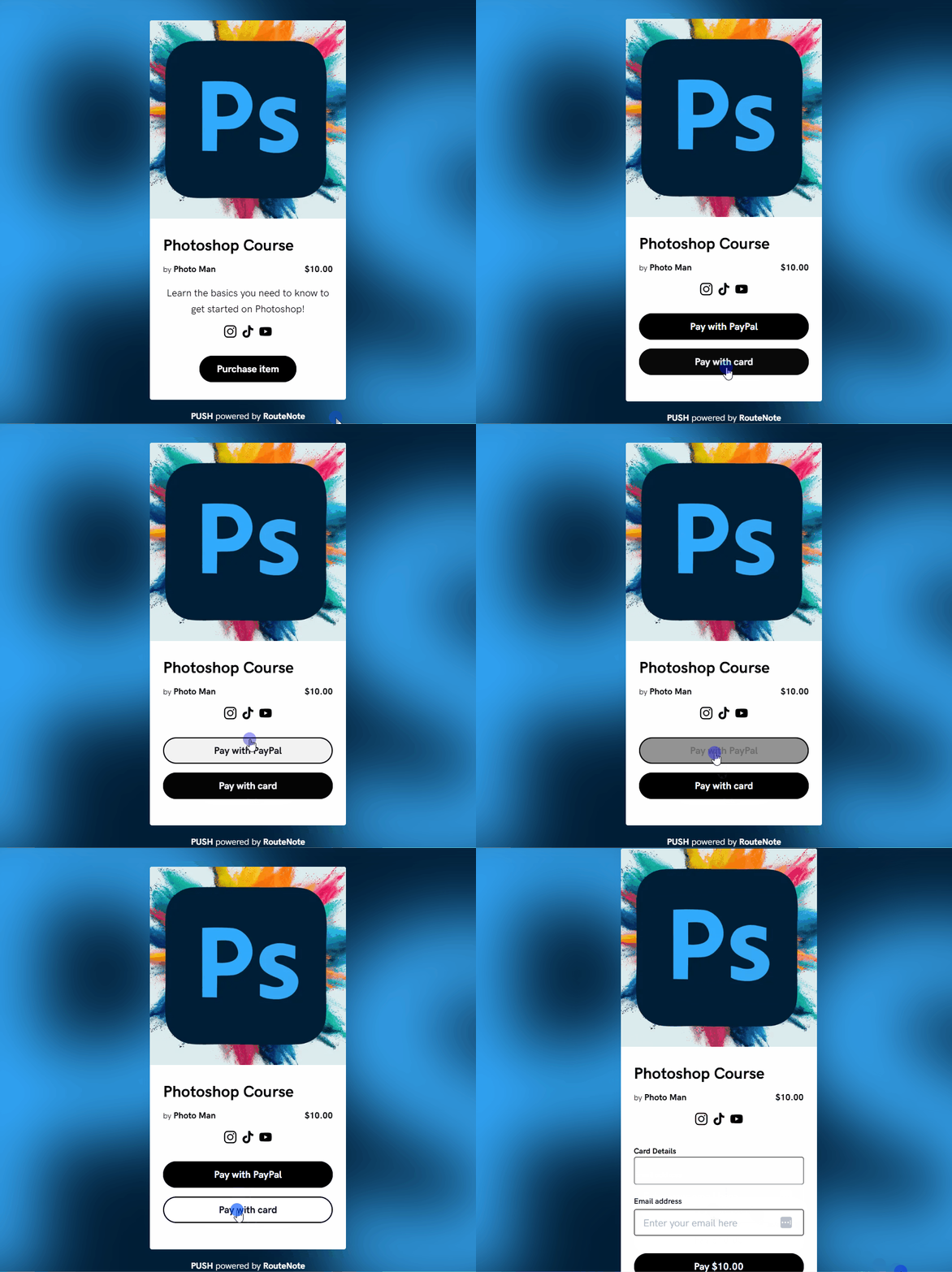
If you’re looking to sell a digital course without any hassle then we can help. Creating the course is the hard part, but selling it shouldn’t have to be. You don’t need to jump through hoops with PUSH. There’s no coding required or difficult steps.
Create your course and attach it as a digital file to a Pay Link within your PUSH.fm account. When a customer purchases your course, they will have instant access to download your file. It makes the process smooth for everyone involved.
Each time you earn from selling your course, it will go into your PUSH balance. You can request to withdraw these funds as soon as you hit $50. The withdrawal process is easy too. Request it, we’ll approve it, and it will arrive to your account on the 15th of that month.
How to sell your course through PUSH
- Head to PUSH.fm and sign up
- From your dashboard, head to the Create new Link pink icon in the left corner
- Choose Pay Link from the drop-down menu
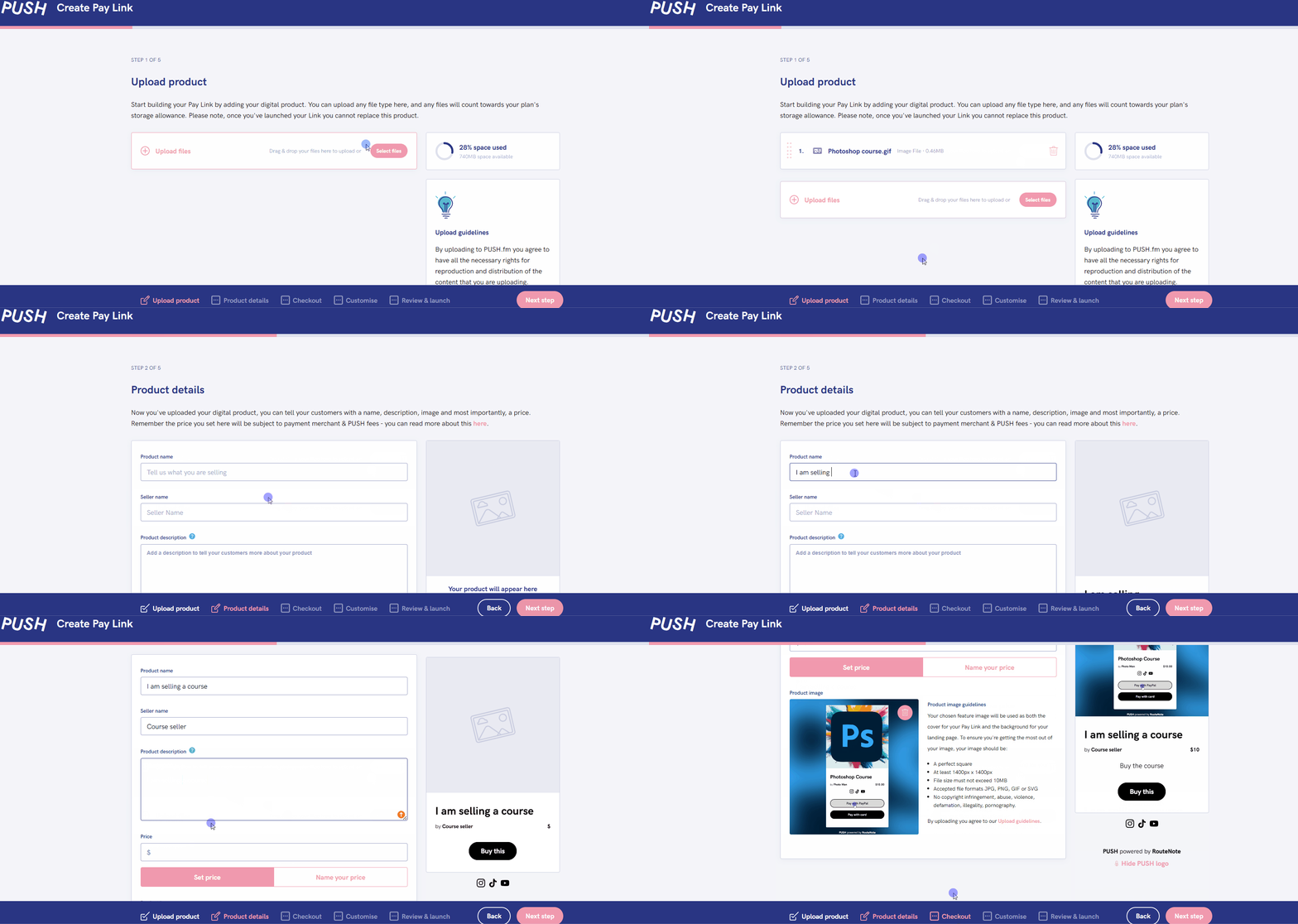
- Upload your files (a course may have more than one)
- Add your product details
- Choose payment methods for your customers
- Add your social platforms, a Feature Image and any other information (if required)
- Launch your course!
If you’re looking for a simple and affordable way to sell your digital courses online, then you really should try out a Pay Link for yourself. Don’t like it? No problem, it’s a free product so you’re not investing in something without being sure.


